ENCY: CAD/CAM
for a new generation

Delivering sophisticated CAM technology with an intuitive user interface and natural workflow

3-axis toolpaths
HSM
Multiaxis
State-of-art UI
Mill-Turn
Additive
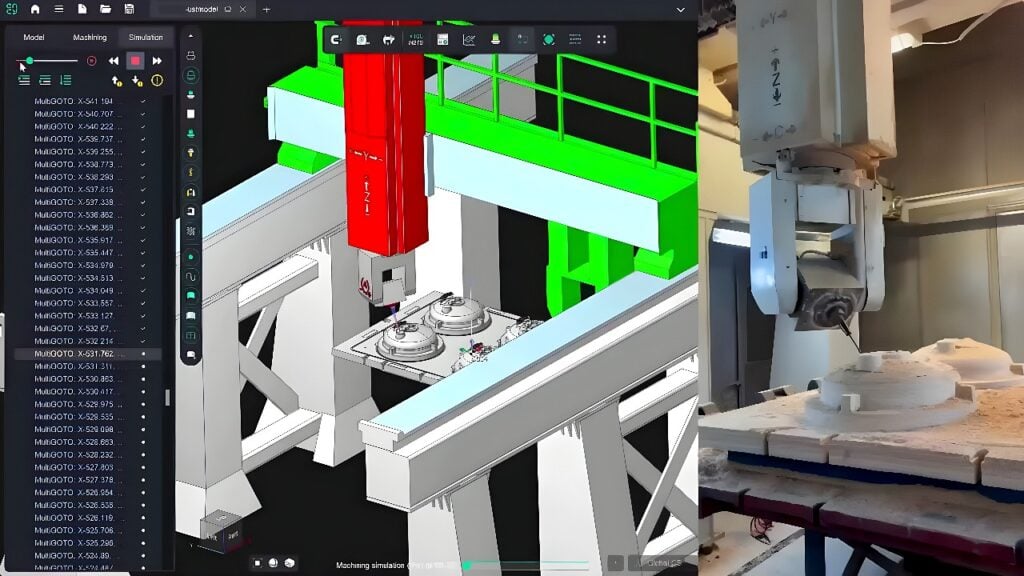
Machine simulation
Material removal simulation
Collaboration
A 3D printing process is shown, creating an additive sculpture.

Taking into an account machine kinematics

Planar and non-planar slicing algorythms

Dynamic feeds for additive process

High-quality simulation of the additive process

Why ENCY?

CNC tools and robots work seamlessly to create detailed models.

One seamless solution for CNC machines and robots

All-in-one CAD, CAM, simulation and post-processing in a single interface.

A 3D model of a machine showcasing intricate components and design.

Machine Awareness

Built-in digital twin detects issues, optimizes toolpaths and automates transitions.

Illustration showing supports for milling, turning, and hybrid additive processes.

Supports milling, turning and hybrid additive

From 3-axis milling to 5-axis, mill-turn, and hybrid additive — ENCY covers all machining modes in one system.

A detailed simulation showcases a 3D model of a mechanical part.

Advanced Simulation

Real-time stock updates, machine visualization, collision detection and G-code check.

CNC tools and robots work seamlessly to create detailed models.

Watch ENCY in Action

A 30-second demo showing ENCY creating and simulating toolpaths for CNC and robotic machining.

How It Works:
– Import your 3D model or CAD file
– Define workpiece and fixture parameters
– Automatically generate toolpaths with default optimal settings
– Simulate with collision detection and gouge prevention
– Export verified NC-code or send it to the machine

No guesswork. Minimized waste. Just precision.

Play Video

Highlights

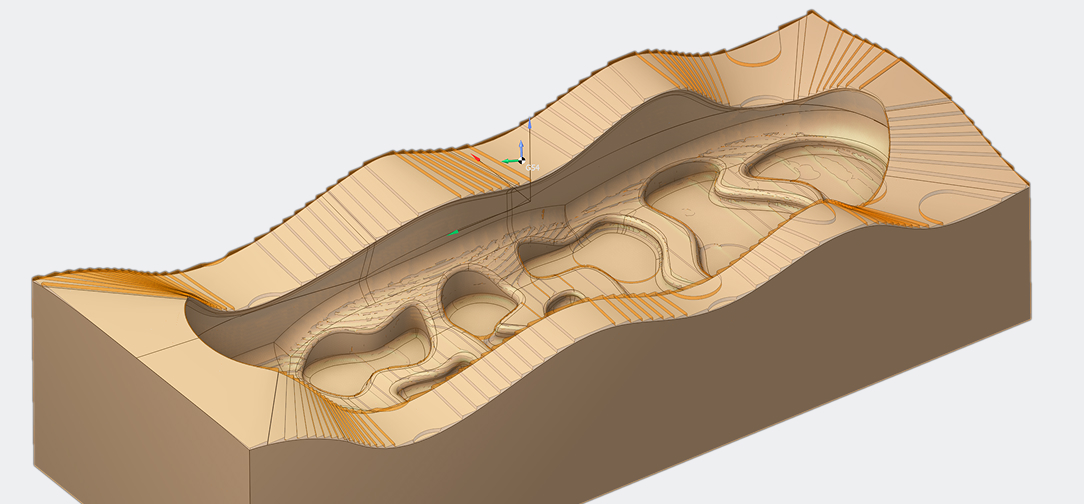
A wide range of machining strategies from 2D to 5D

One platform for efficient 2D, 3D, and 5-axis machining workflows

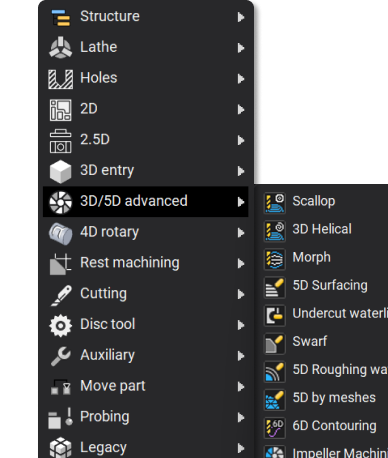
A display showing various advanced machining options and tools.

Next-Level Interactivity

Edit toolpaths, adjust parameters, and control machines interactively with instant feedback.

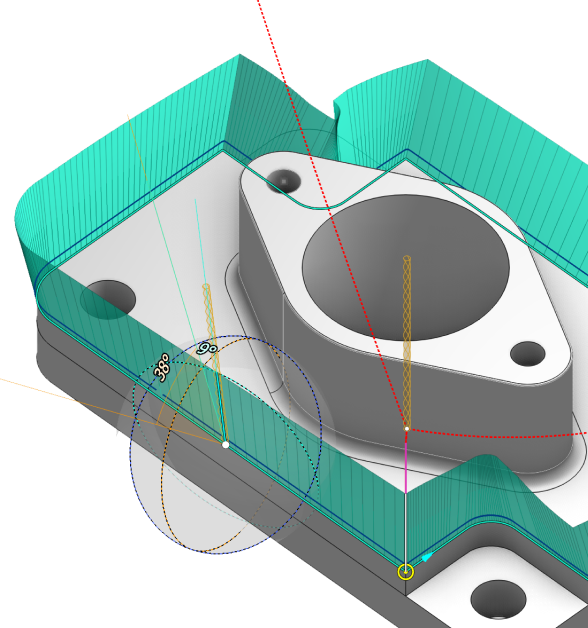
A 3D model showcasing interactive elements in engineering design.

Stock Tracking

Real-time stock updates for efficient toolpaths, collision checks, and validation.

A 3D rendering showcases a detailed stock tracking model design.

NC-code verification

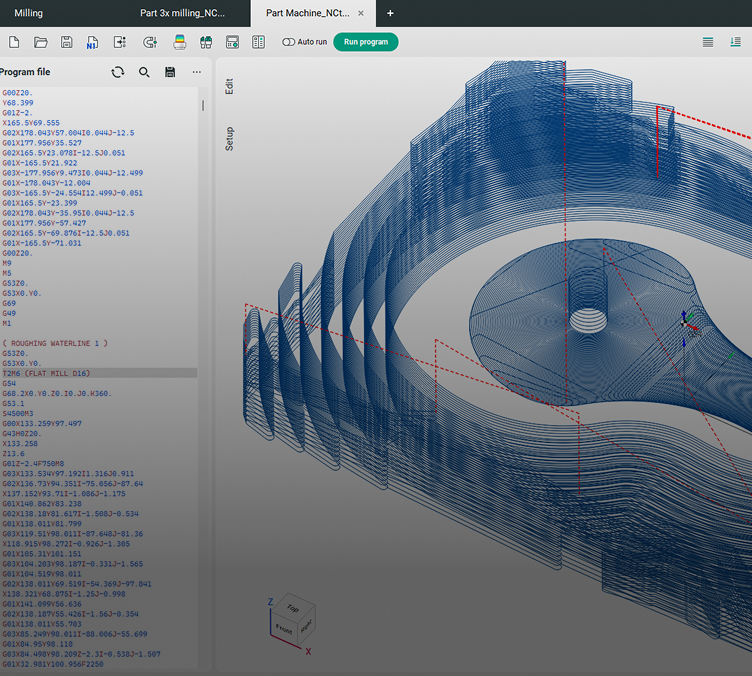
Simulate and verify G-code to ensure error-free machining before execution

Daily posts from ENCY users all over the world

Try ENCY for Free

Get the installation link for ENCY CAM right now

Instant Trial

Explore Our Ecosystem

ENCY is more than just robot milling – it’s a complete CAD/CAM and automation ecosystem designed for efficiency and seamless integration.

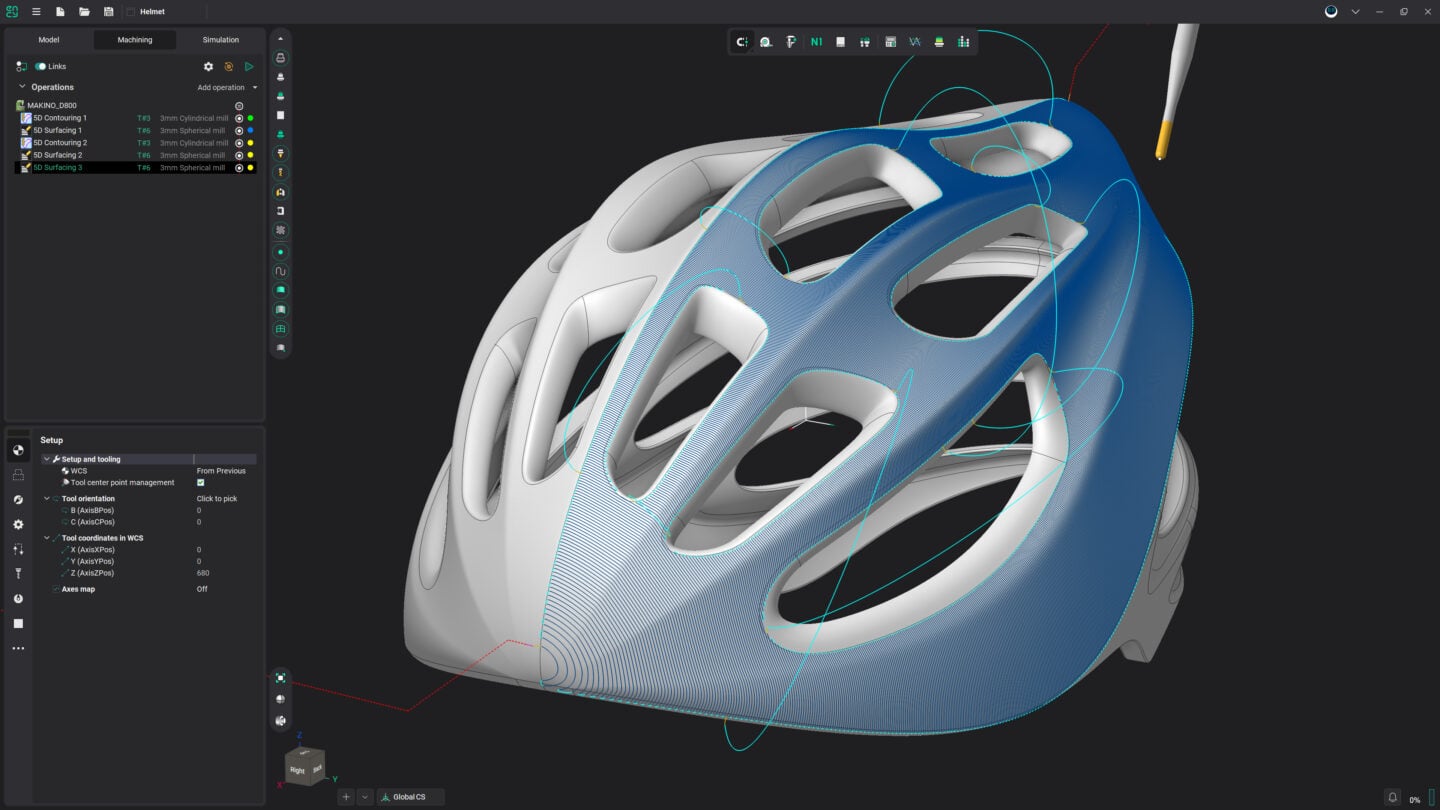
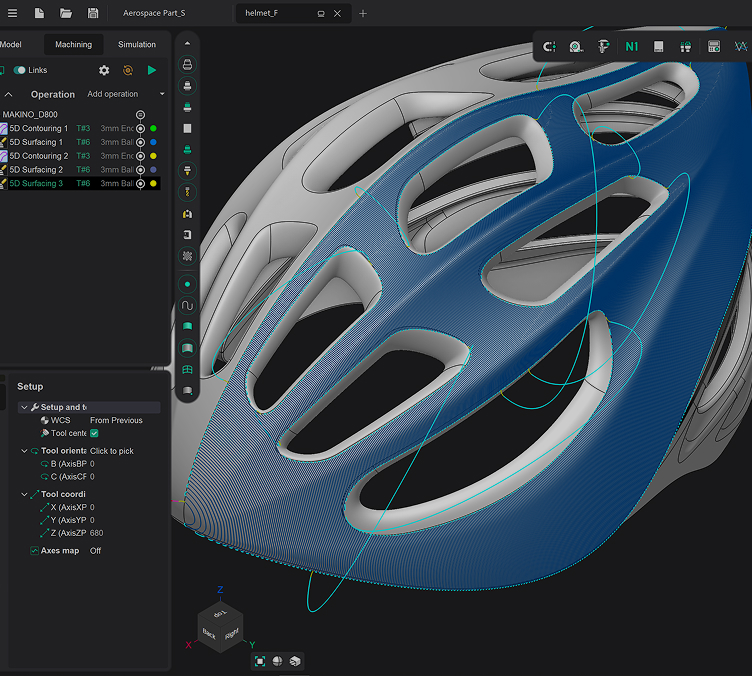
A detailed 3D model of a bicycle helmet showcasing design features.

ENCY

CAD/CAM for a new generation

Delivering sophisticated CAM technology in a lightweight user interface and natural workflow

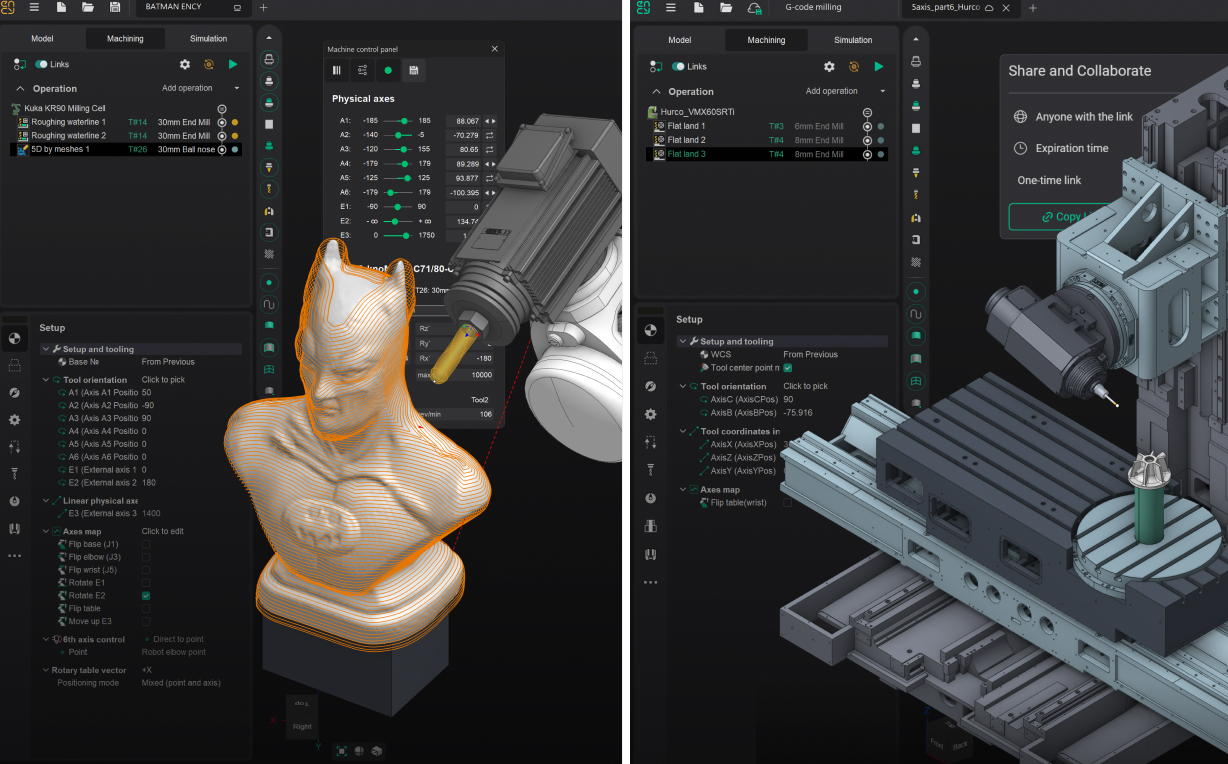
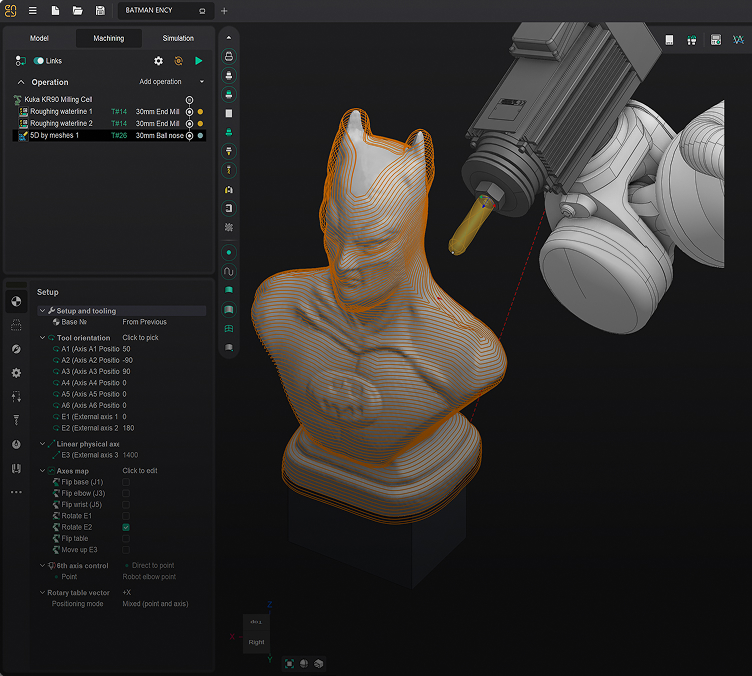
A 3D model of a robotic bust is being processed in design software.

ENCY Robot

A complete offline robot programming solution
The ultimate toolpath calculation, kinematics management, and simulation software for robots
A digital representation of the ENCY Tuner product design.

ENCY Tuner

Shop-floor NC-code simulation software

NC-code simulation, fine-tuning, and re-engineering for CNC machines and industrial robots

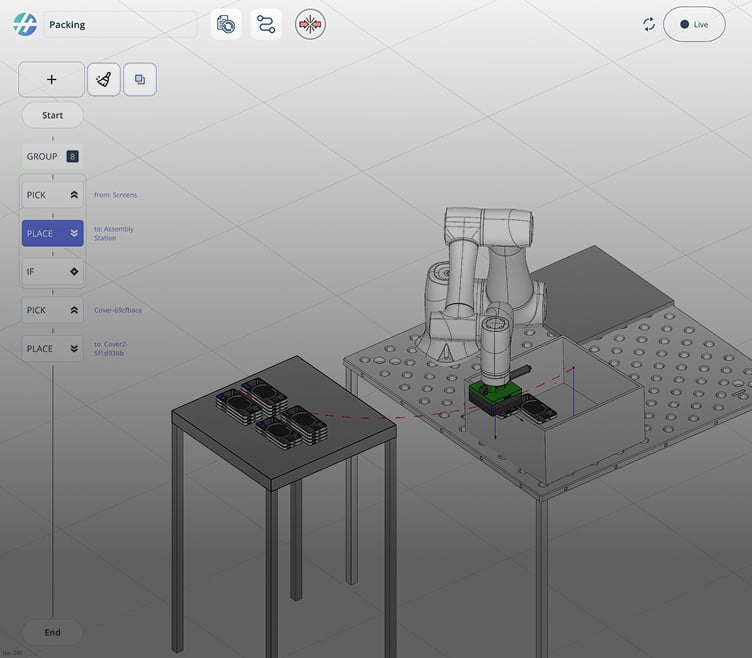
A 3D modeling interface displays a robotic assembly process.

ENCY Hyper

A hybrid programming system for industrial robots

Robot control software with real-time execution, CAM features, and touch interface
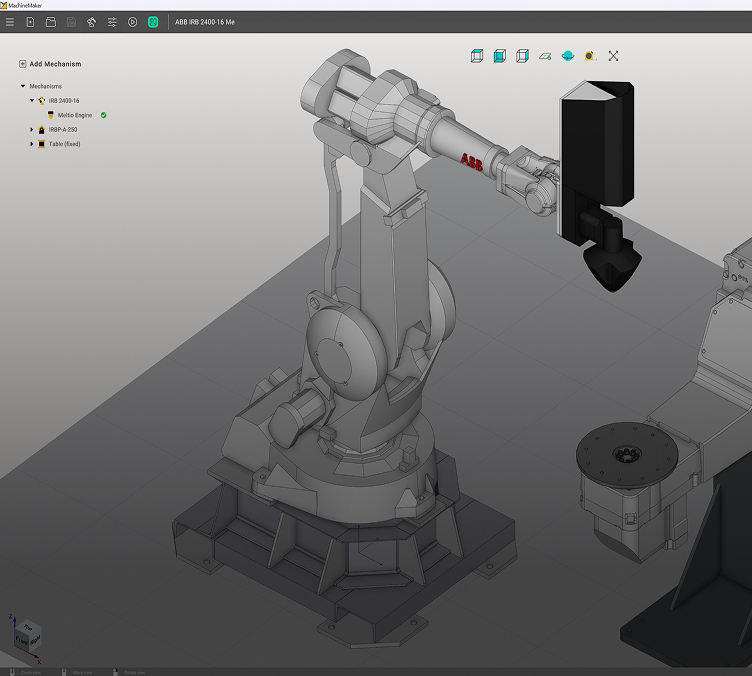
A robotic arm interacts with a cylindrical object in a 3D design software.

MachineMaker

Zero-code
digital twin builder

Advanced and interactive builder for virtual CNC machines and robotic cells

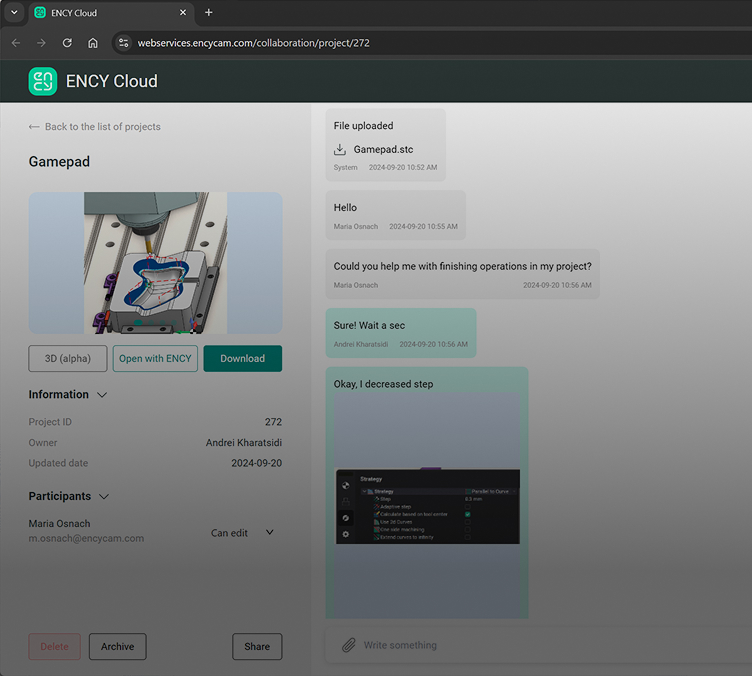
A user is interacting with the ENCY Cloud product interface online.

ENCY Clouds

Cloud-based collaboration for manufacturing

Supercharge your CAD/CAM software with a cloud collaboration tool