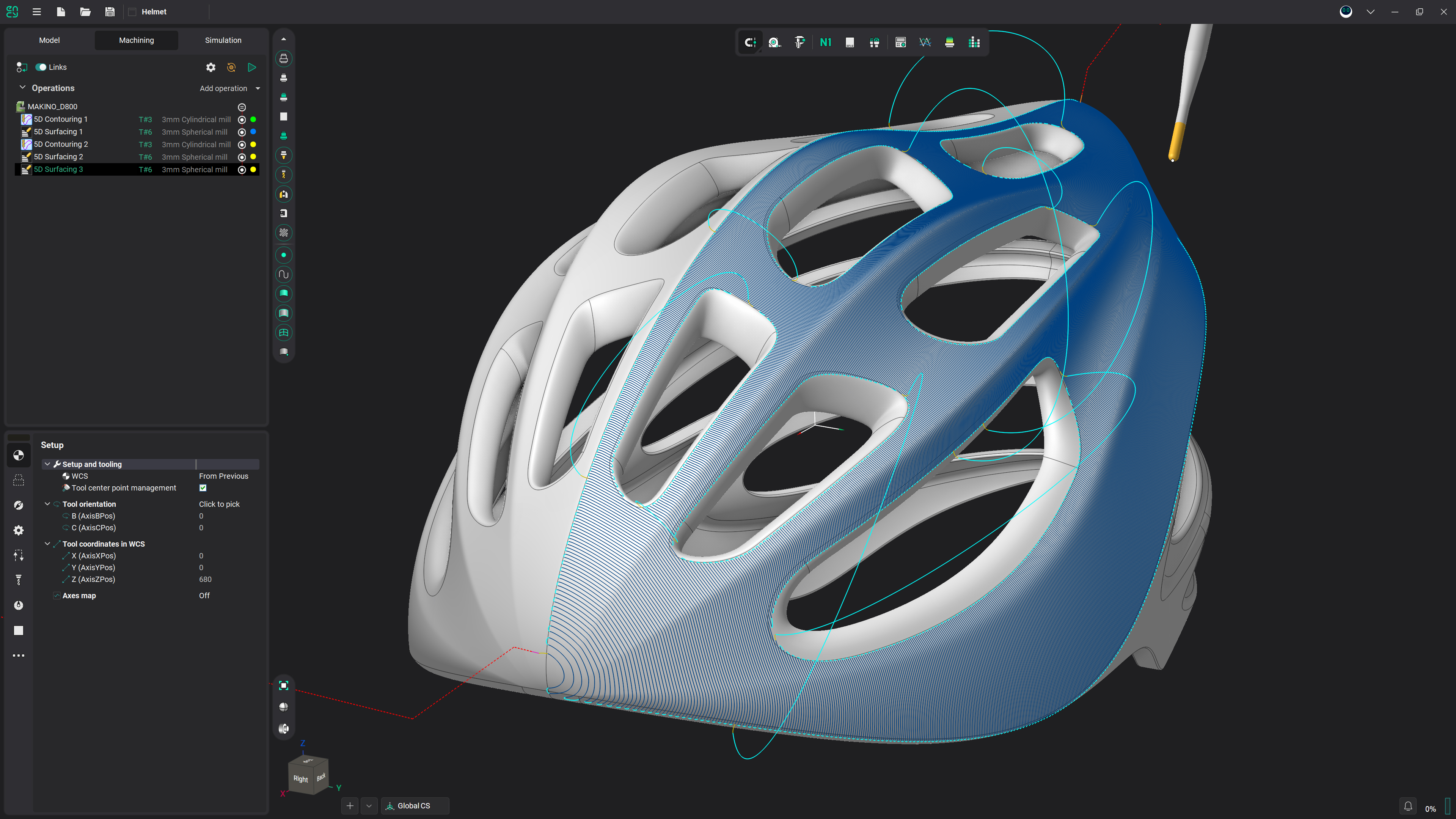
CAM Macros
Record your machining once — operations, tools, geometry picks — and replay it on the next part. No code, no setup from scratch.
Macros in ENCY 3 — your experience on repeat
Record once, replay on demand
- A macro is a recorded sequence of project actions — creating operations, assigning geometry, editing properties — that ENCY replays whenever you need it.
- Set up the machining once, the way you see fit. Tomorrow, on a different part, in another project, the system repeats it.
- What repeats is not the person at the computer — it is their experience.
Recording is just… working
- Press Record and carry on as usual: operations, workpiece and fixtures, geometry picks, model-tree selections, parameter edits — every step is captured with a live counter.
- Related steps fold into groups, so a long session stays readable.
- Capture works the other way too: take a finished project and turn its machine, workpiece and strategy setup into a macro — not the route, but the destination.
- Stop, name it, save — the macro is in the list, one Run away.
One recording, a whole class of parts
- Mark any recorded value — a number, a flag, a face — as a required input, and ENCY asks for it at playback.
- Steps that reference model geometry become re-pickable fields: point them at the new part's faces without re-recording anything.
- Override any value for a single run; the saved macro stays untouched.
- That turns one recording into a template for a class of parts, not a snapshot of a single job.
Run it, watch it, debug it
- Run executes the steps against the current project: green ticks for done, an orange dot on the current step, a progress counter like 7/17.
- Empty required inputs block the run and light up red — nothing executes half-configured.
- Set a breakpoint on any step, pause and continue mid-run, verify the first playback step by step.
No code — but real code under the hood
- Every click you record is a real Open API call — the same one an extension developer would write by hand.
- A macro is a plain-text list of atomic commands: open it, read it, fix it. No binary magic.
- Save as .NET (builds into a C# extension) or Spr (ENCY's scripting language) — both run identically from the same list.
- Open in editor launches the generated source in VS Code with highlighting, navigation and a debugger — a recorded macro is the fastest way to start a custom extension.
Made to be shared
- A macro packs with its whole environment and captured state into a single file — send it in a chat, attach it to a bug report; it opens and runs in one click.
- Macros live in the personal ENCY folder under \macros\ — each one is a folder with the source and a human-readable step list, so copying the folder is sharing.
- The ENCY 3 extension store takes it further: publish once, and your work is there for anyone who opens the store — one click away.
Where this is going
- AI tuning: an AI tries variants of your macro through the replay engine and picks the best by simulation — collisions, cycle time, finish.
- Full GUI scriptability: whatever you can do by hand in ENCY will be available to the API and macros.
- Semantic geometry anchors: a macro will remember 'the top plane' or 'the pocket wall' instead of 'face number five', so playback survives a changed part.
- These are the announced development directions for the macro system — not shipped features yet.
Frequently asked questions
No. You record a macro by doing your normal CAM work — ENCY captures the steps. Programming only enters the picture if you choose to open the generated source code and extend it.
Yes — that is the point. Mark the values that change (stock size, depths) as required inputs, and re-pick the geometry fields on the new model before running. Works best on parts of similar topology; semantic geometry anchors that survive bigger changes are on the roadmap.
They run identically. The choice matters only if you later open the source: .NET builds into a C# extension, Spr is ENCY's built-in scripting language.
Export packs the macro with its environment and captured state into a single file that opens in one click. You can also copy its folder from the personal ENCY \macros\ directory, or publish it to the ENCY extension store for one-click installs.
A macro is a deterministic replay of exactly what you recorded — same steps, every time, which is what you want for a proven process. The AI Super Agent plans and adapts to new situations. Record what must not change; delegate what needs judgement.
Get started with ENCY