
ENCY 3.0
Version 3.3.5 · 24.11.2026 · 12,32 MB
CAD/CAM for a new generation
Delivering sophisticated CAM technology with an intuitive user interface and natural workflow
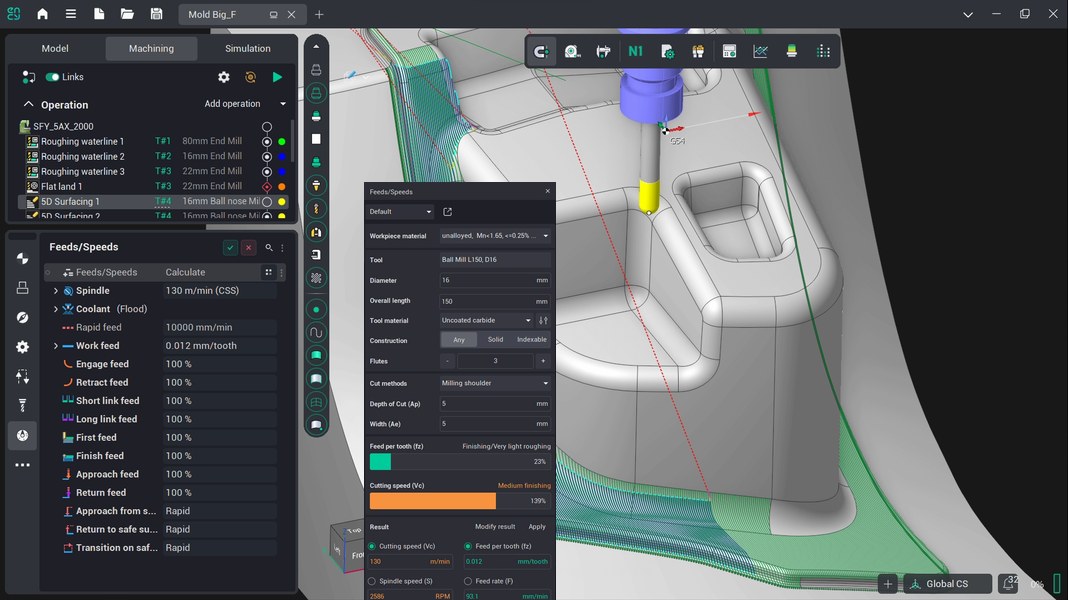
Get the tools to generate NC programs, fine-tune code, simulate toolpaths, and collaborate in the cloud—for CNC machines and robots. ENCY delivers a seamless experience for engineers and machine operators, ensuring precision at every stage.
30-day free trial · Windows 10 or 11, 64-bit
Version 3.3.5 · 24.11.2026 · 12,32 MB
CAD/CAM for a new generation
Delivering sophisticated CAM technology with an intuitive user interface and natural workflow

Version 3.3.5 · 24.11.2026 · 11,60 MB
A complete offline robot programming solution
The ultimate toolpath calculation, kinematics management and simulation software for robots
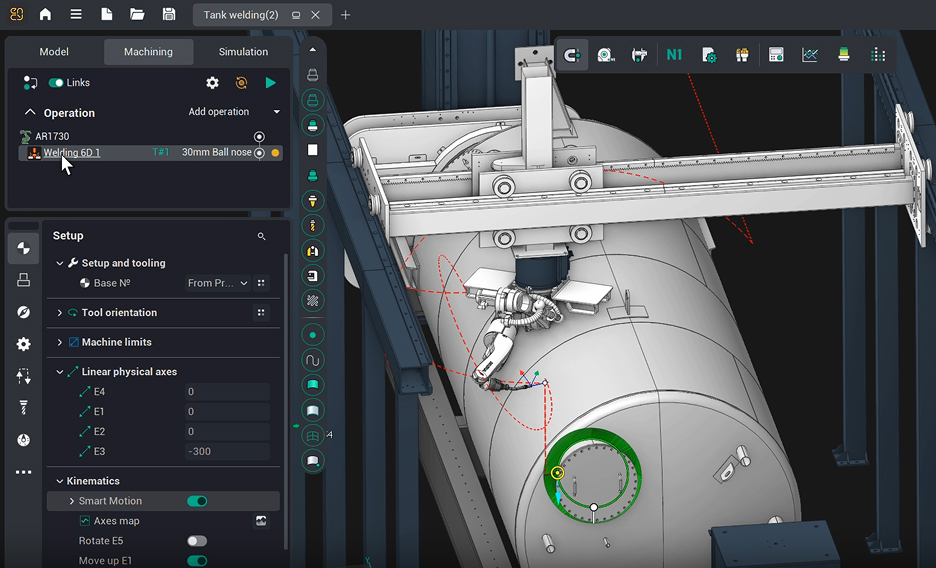

Version 3.0 · 09.10.2026 · 401,45 MB
Shop-floor G-code simulator and NC program editor
G-code simulation, fine-tuning and re-engineering for CNC machines and industrial robots
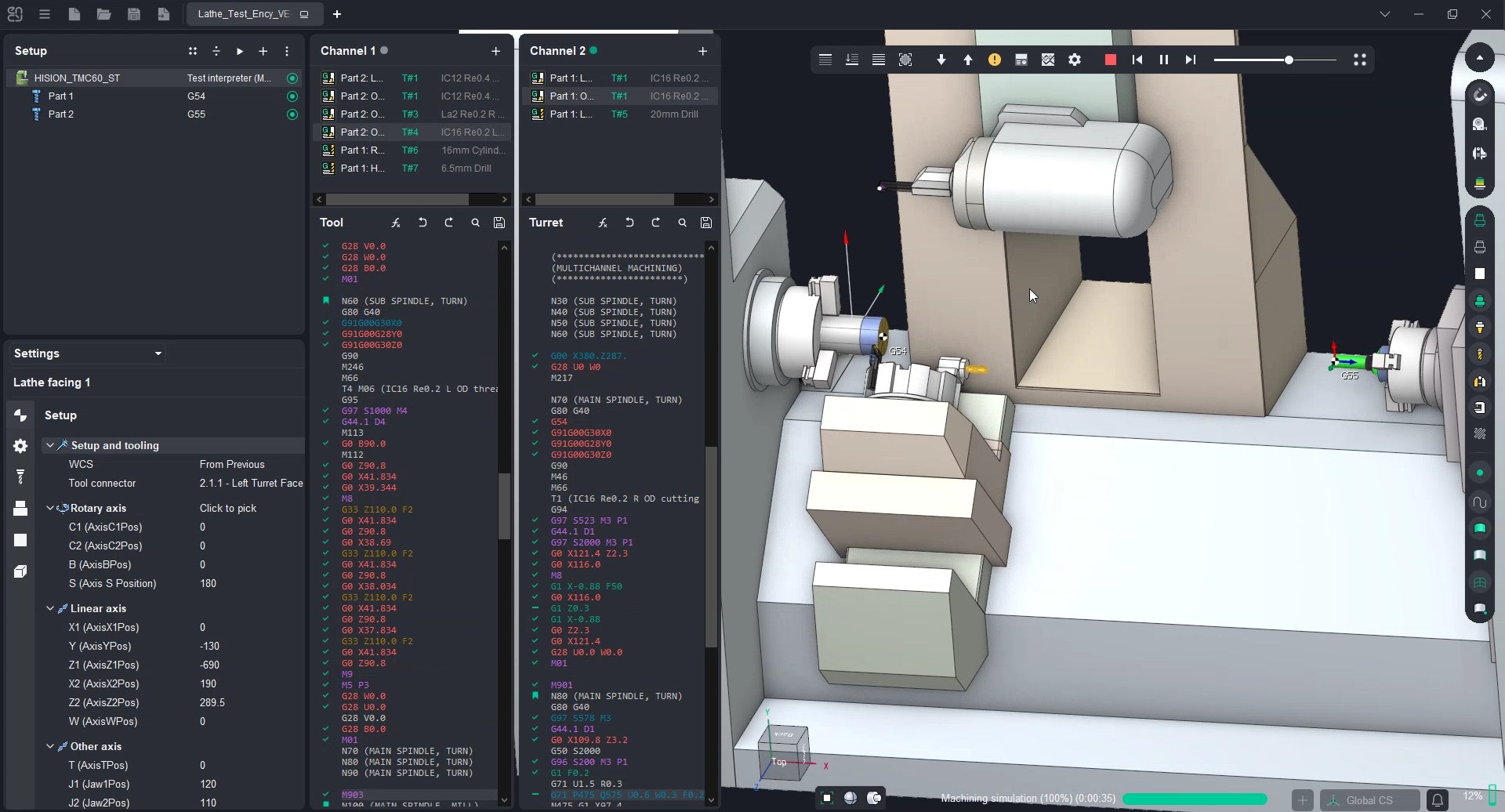

Version 1.1.0.58 · 06.11.2026 · 1,67 GB
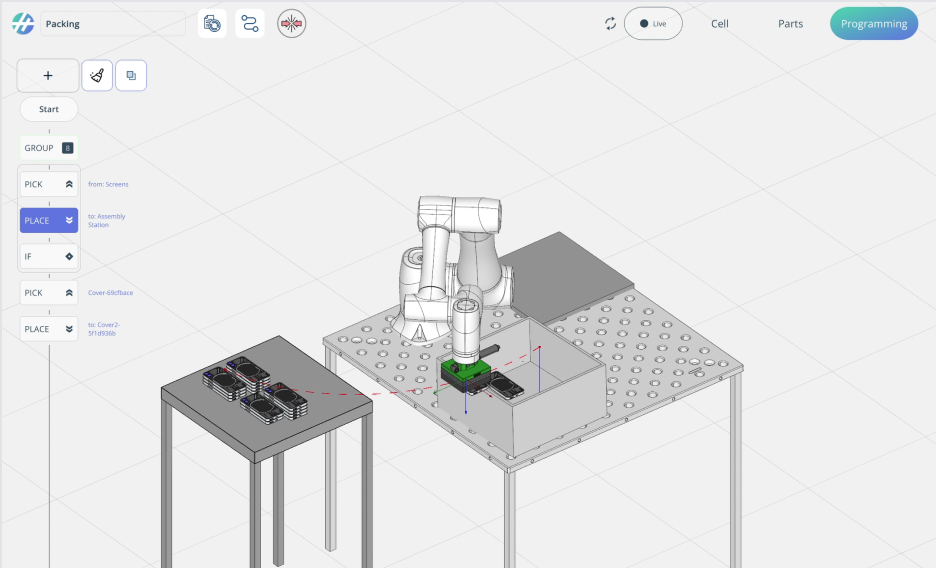
A hybrid programming system for industrial robots
Robot control software with real-time execution, CAM features, and touch interface
 ENCY 2.0CAD/CAM for a new generationENCY Robot 2.0A complete offline robot programming solutionENCY Tuner 2.0Shop-floor NC-code simulation software
Yes. Every ENCY product can be downloaded and evaluated free of charge for 30 days. Sign in with your ENCY account or create one for free, choose a product on this page and run the installer. No payment details are needed.
Simply download and install the software. A 30-day trial license is automatically granted.
The first time you launch the software, the License Manager will prompt you to log in. Just use the same login information you use for this website.
Not sure which one fits your machines? Ask our team.
ENCY runs on 64-bit Windows 10 or Windows 11. Minimum: a 64-bit Intel or AMD processor at 2.4 GHz, 8 GB RAM, an OpenGL 1.5 graphics card with 1 GB memory, an SSD with at least 5 GB free space and a 1280×960 screen. For large projects we recommend 32 GB RAM, an Nvidia GeForce card with 4 GB or more, an NVMe drive and a 1920×1080 or 4K screen. See the full table on the System requirements page.
The installers are for Windows computers. On a phone or tablet, choose «Email me the download link»: we send the installer link to the email of your account, so you can open it on your computer.
We ask once, before your first download: our team uses these details to help you get started with the trial and answer your questions. You can change them at any time in My Account → Profile.
Trial users get trial access to the content of the Digital Machine Center — postprocessors and machine models — and can publish their own extensions in the ENCY Extension Store.
After 30 days the trial license expires, and you need a full license to continue using the software. Request a quote or contact an ENCY dealer in your country to choose a license.
Yes. Schools and universities can use educational licenses — stand-alone (one device) or network licenses — for education within an educational institution only, not for commercial or production work. Contact us to get one.
Yes. ENCY 2.0, ENCY Robot 2.0 and ENCY Tuner 2.0 are listed under Previous versions on this page, with their user manuals and release notes.
Every product has a user manual — the link is next to its download button. Courses are available in ENCY Academy, and your courses appear in My Account. For a first look at what to test during a trial, read Free CAD/CAM software download: a beginner guide.
Need help? Visit our Contact Us page for installation guides, system requirements, and troubleshooting support.


