Meet ENCY Studio: A New Theme for CAD/CAM Visualization
Studio and Studio White: ENCY's new dark and light themes with studio lighting and reflections. In ENCY 3.1.3.
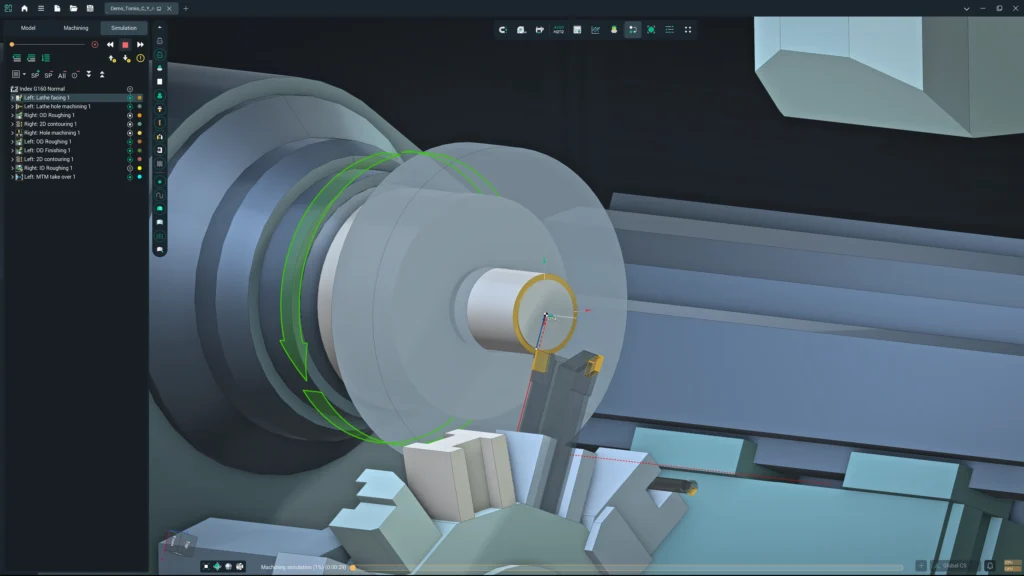
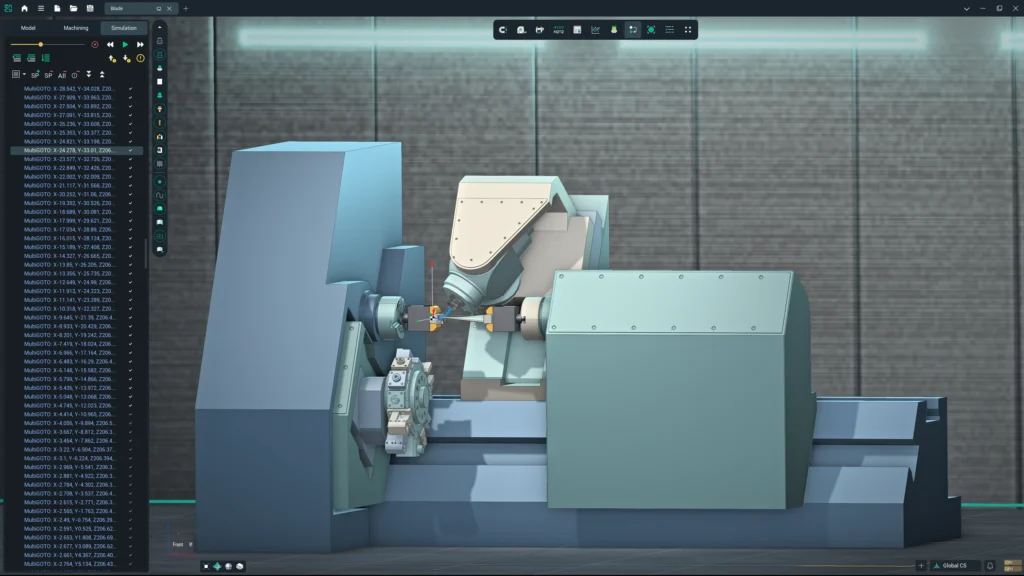
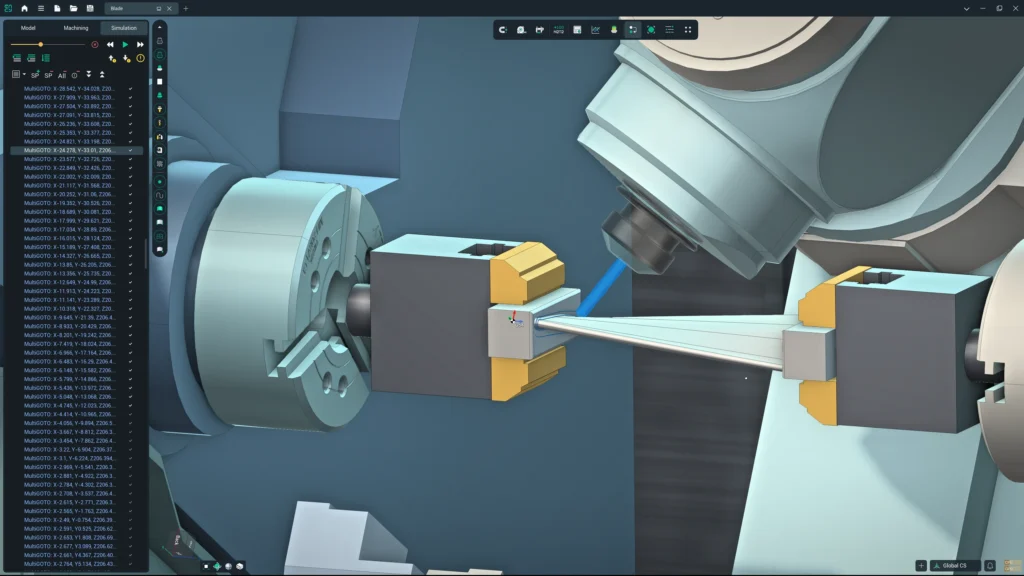
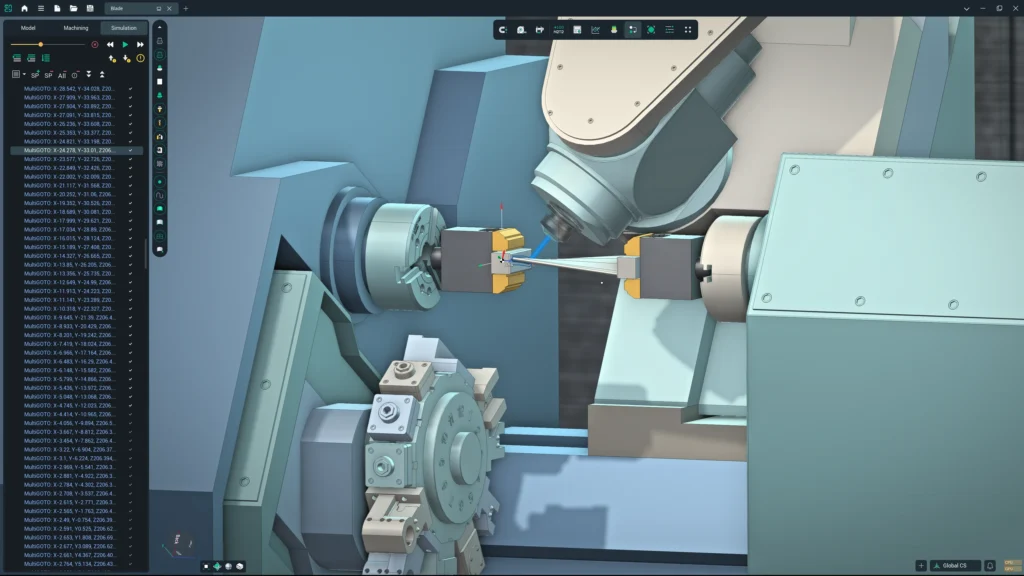
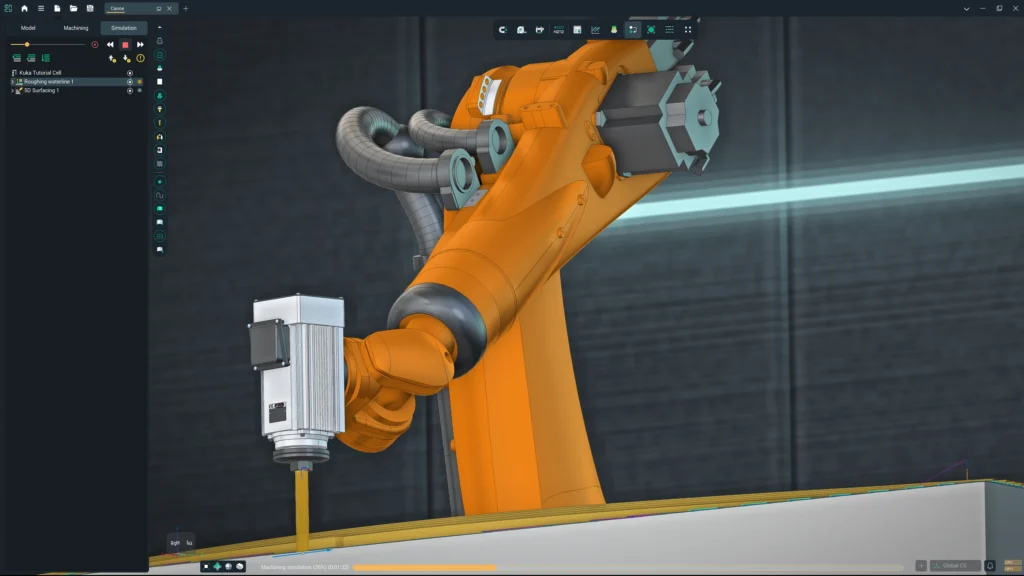
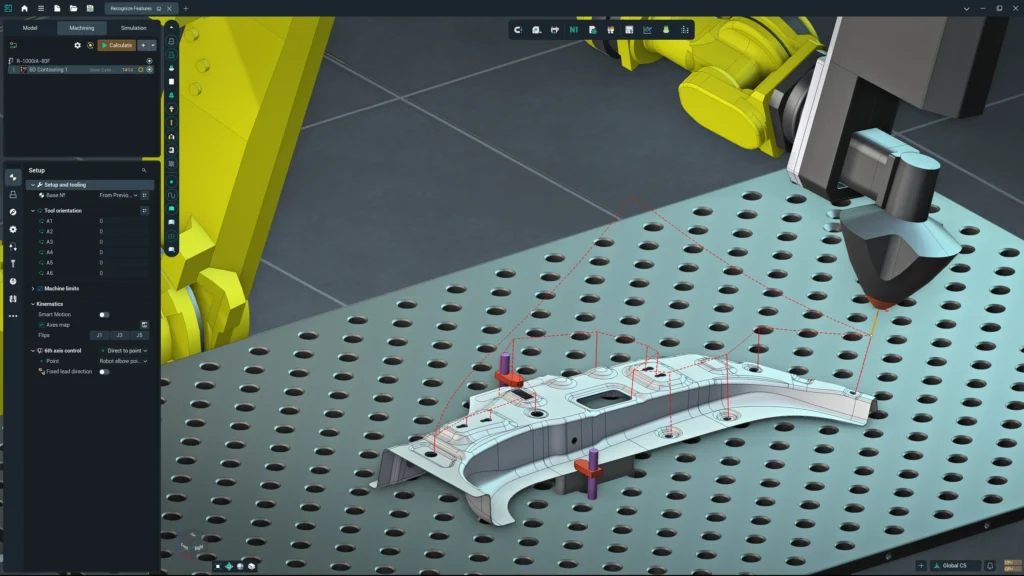
ENCY 3.1.3 introduces Studio, a new theme with studio lighting, soft shadows and reflections. We believe it is the most realistic visualization of any CAD/CAM system. And it is not a presentation mode: every image below is a screenshot of ENCY at work, with machines, robots, toolpaths and simulation.
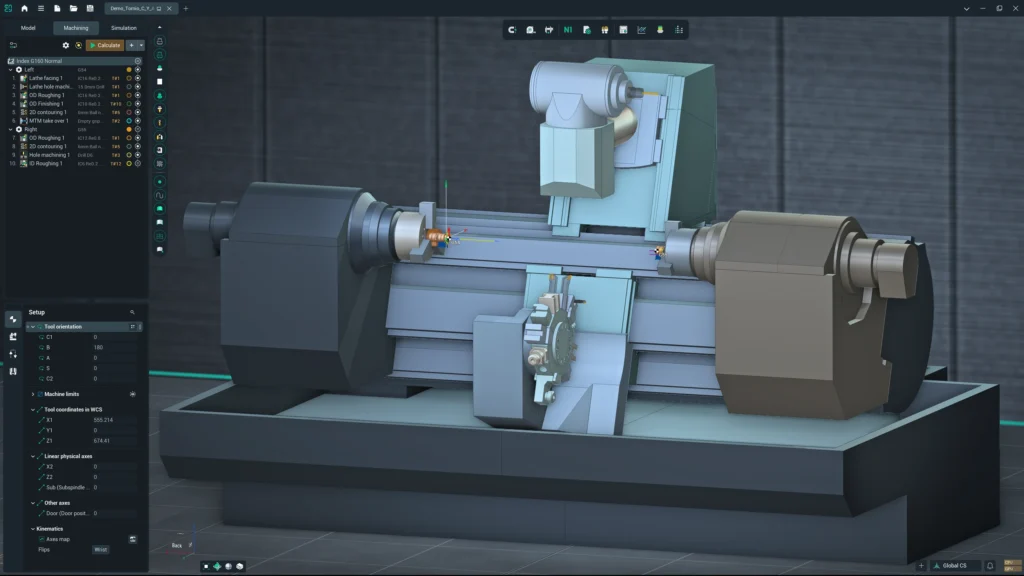
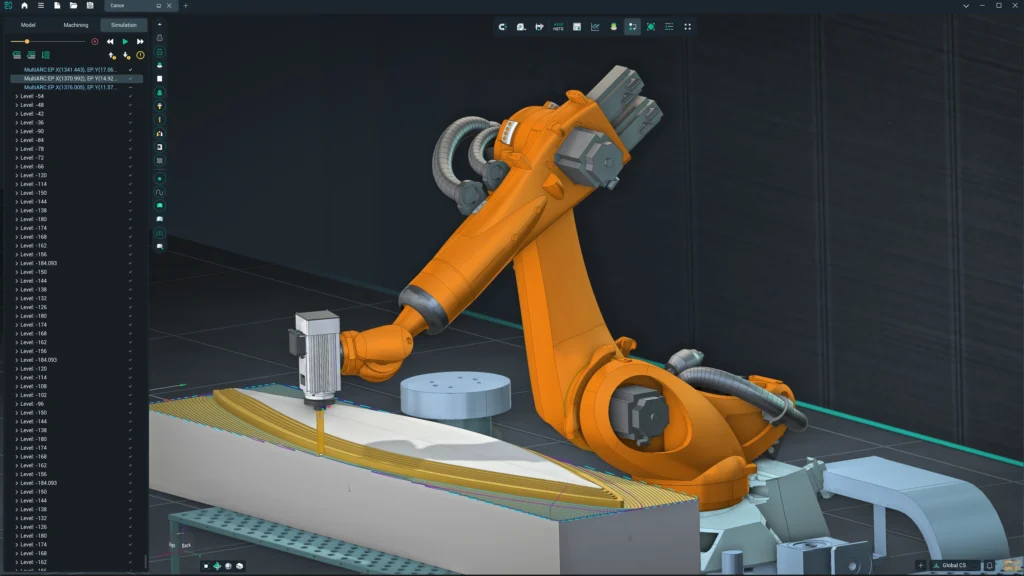
Dark or Light
Studio comes in two versions: Studio Dark and Studio White. Both restyle the interface and the 3D scene.
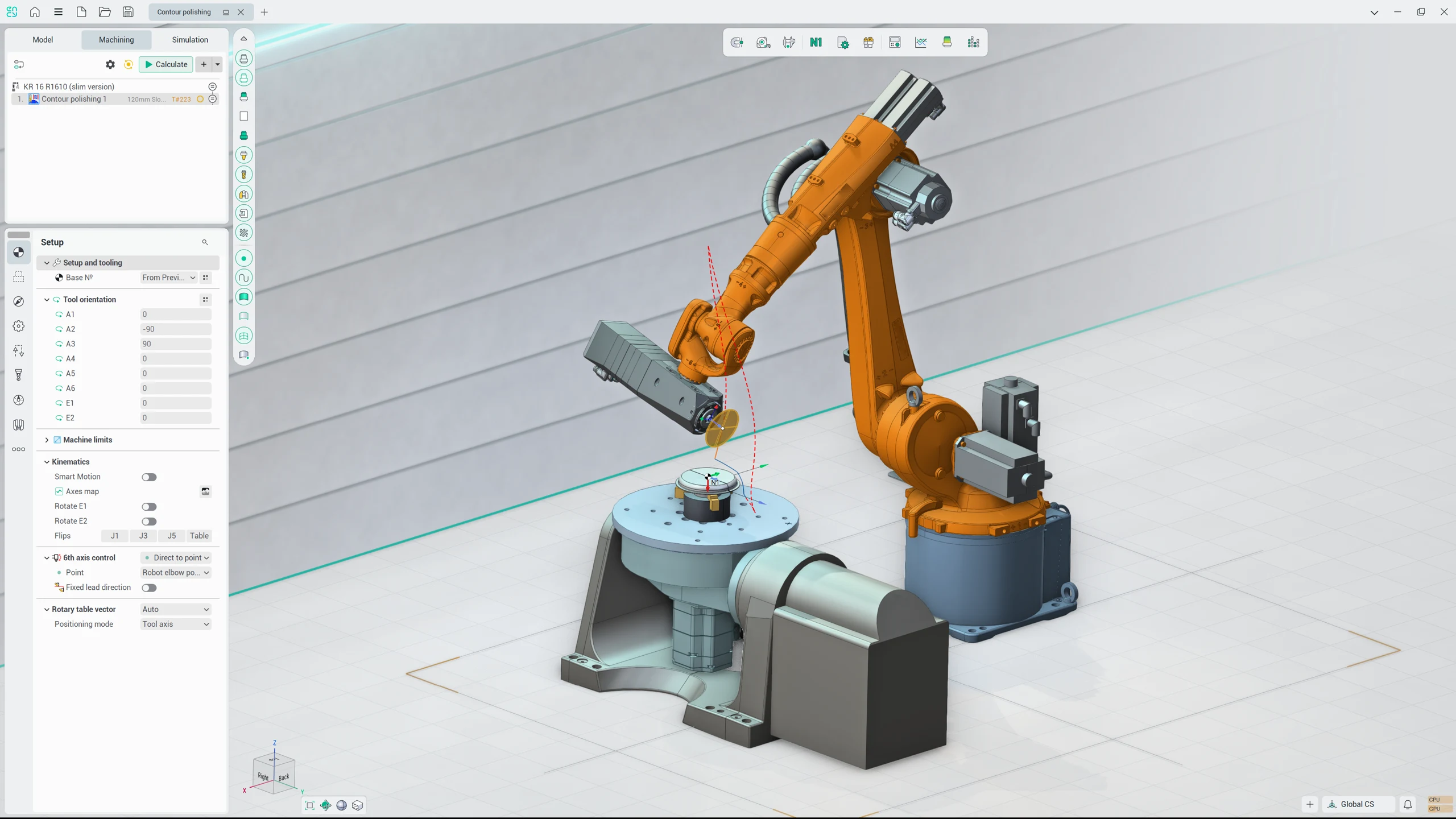 Studio White
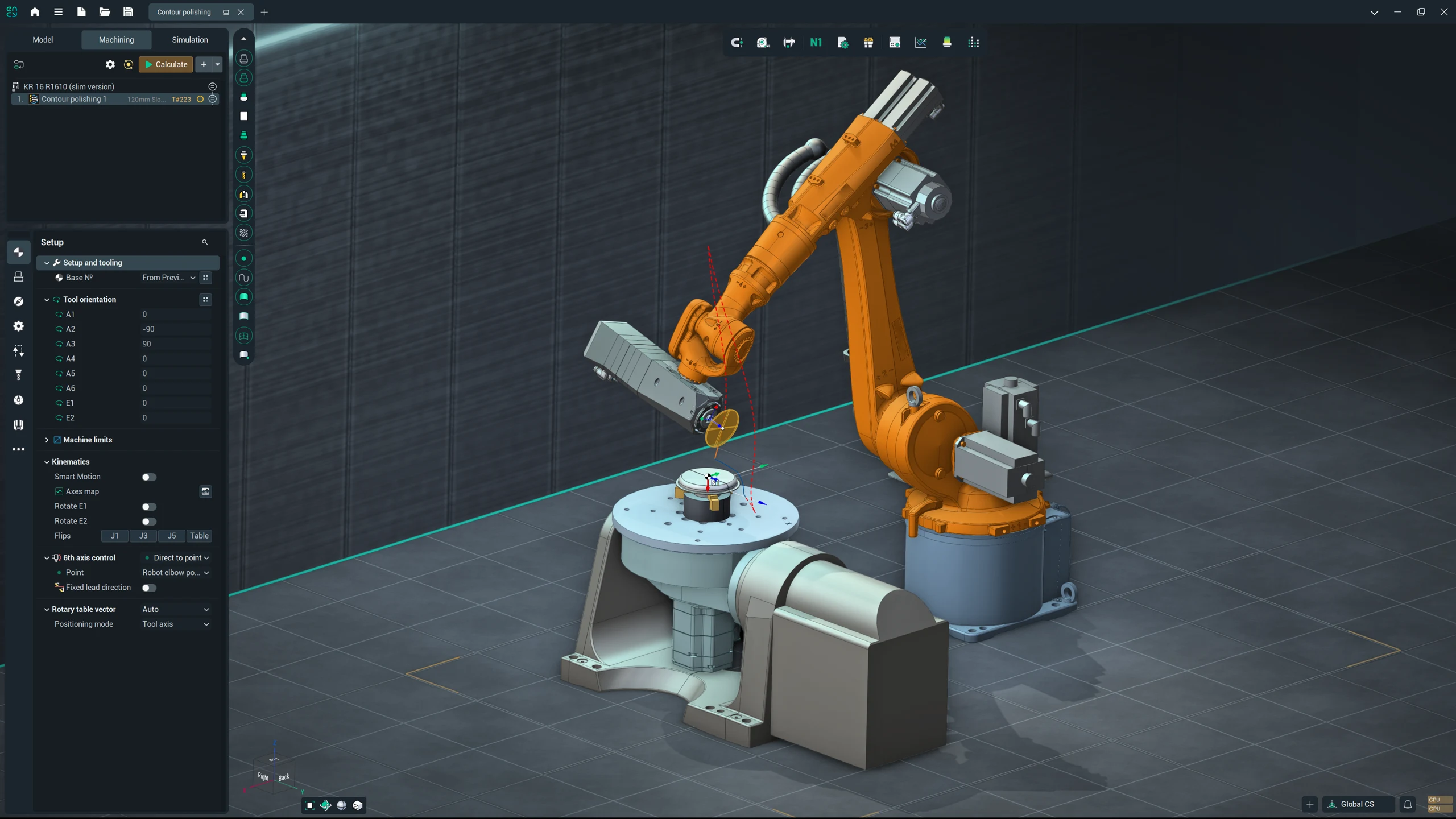 Studio Dark
Studio or Standard?
The Standard theme is clean, fast and easy on your hardware. It is still a great choice for everyday work. Studio adds a whole environment around your machine: floor, walls, light, shadows and reflections.
Here is the same project in both themes.
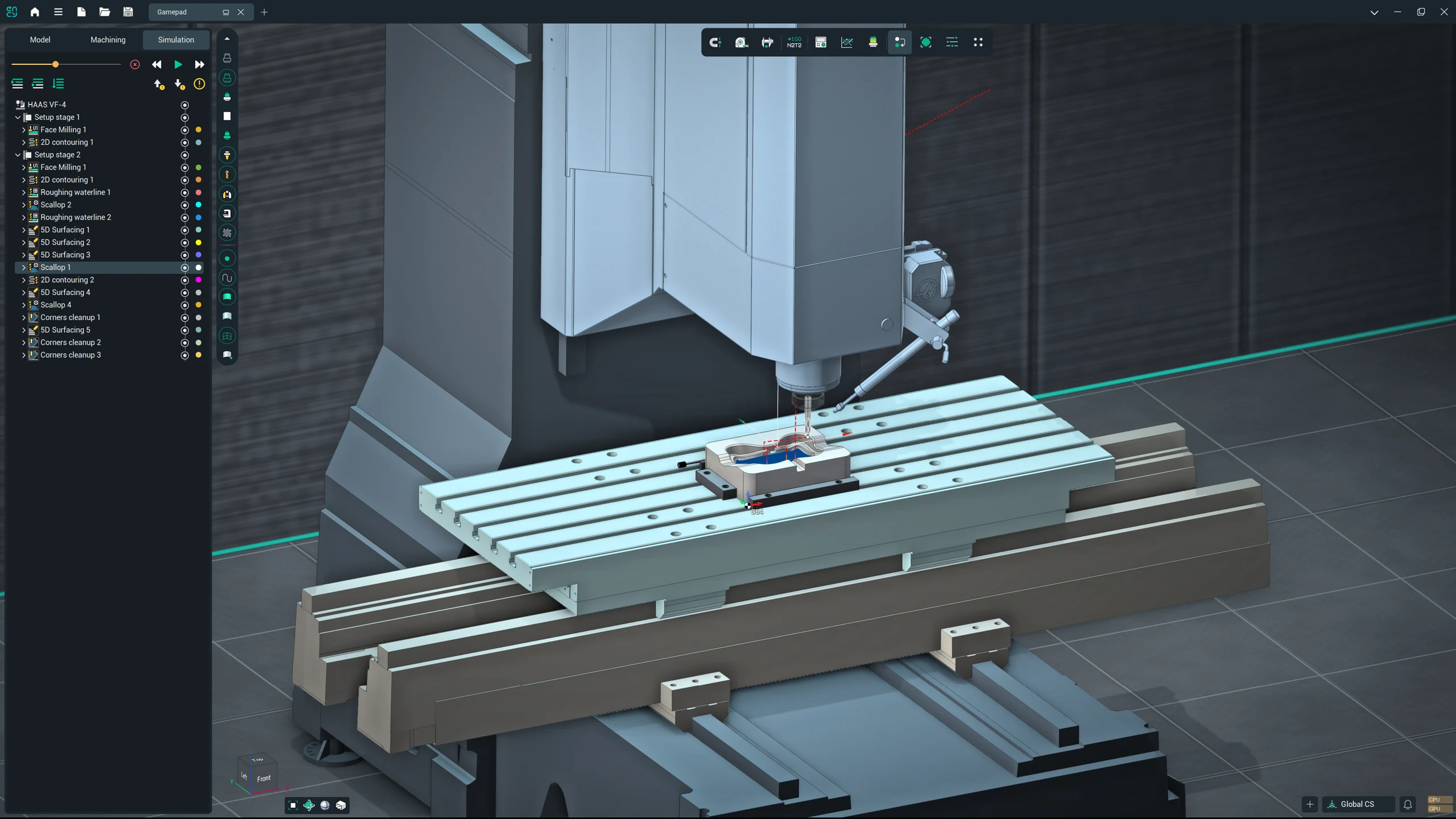 Studio
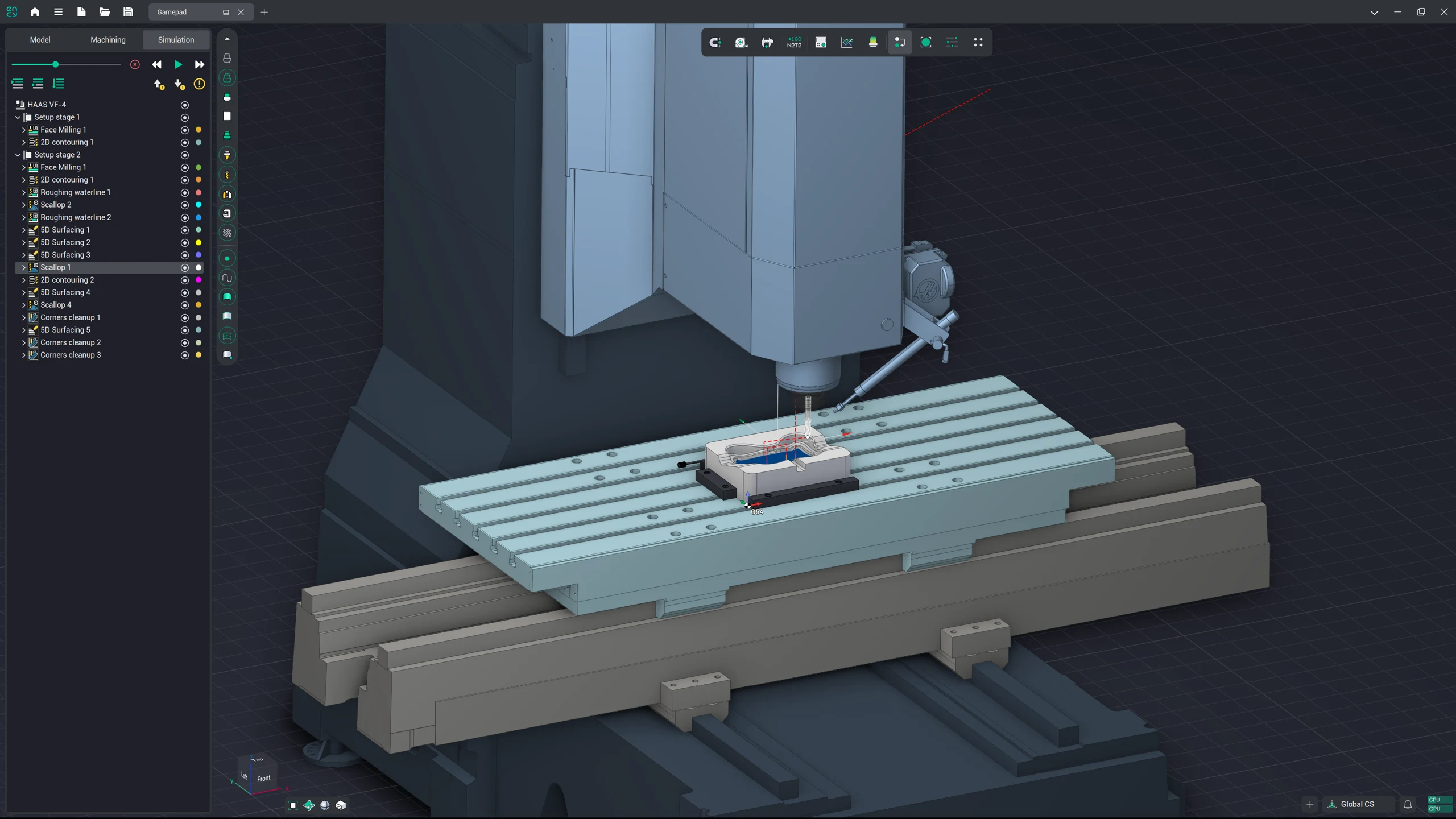 Standard
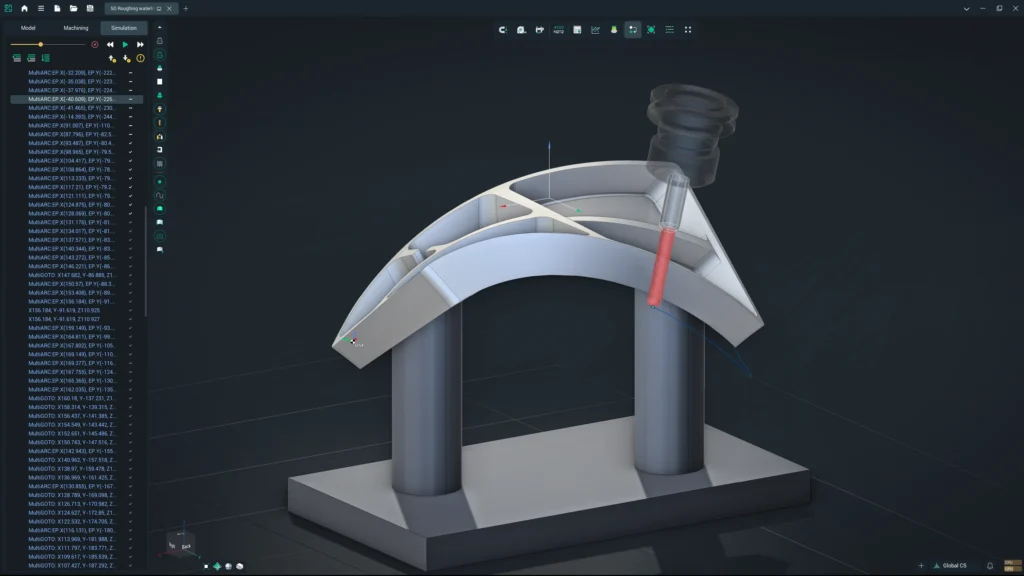
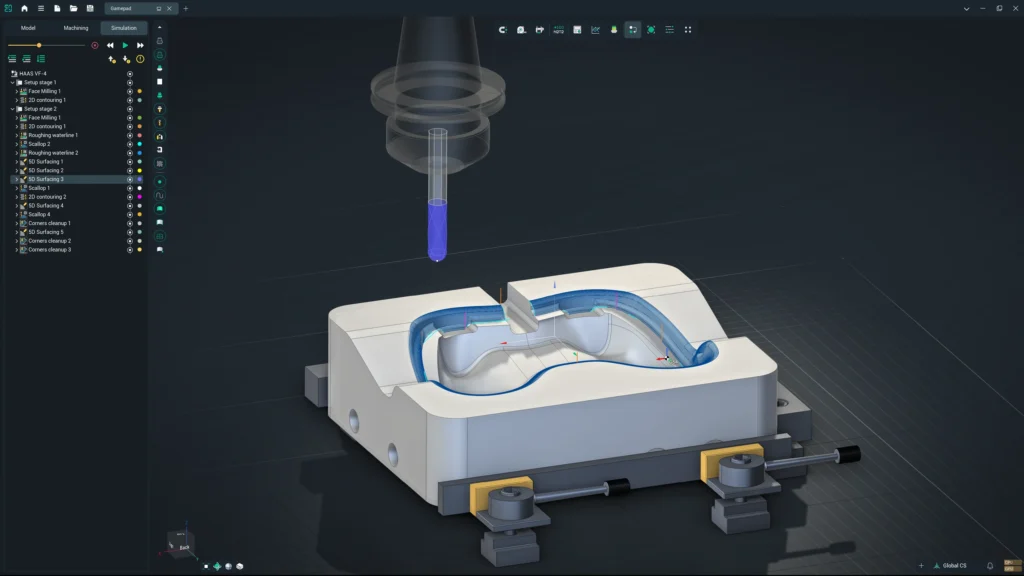
Every Machine Looks Better
Mill-turn, 5-axis and robotic setups all get the same treatment.
Available Now
Studio Dark and Studio White come with ENCY 3.1.3 for all users.
How to turn it on: Settings → Colors → Theme picker → Studio Dark or Studio White.
For smooth work with Studio we recommend a discrete graphics card; on less powerful hardware ENCY automatically switches to lighter effects. Switching is optional, so you can keep your current theme or try Studio today.