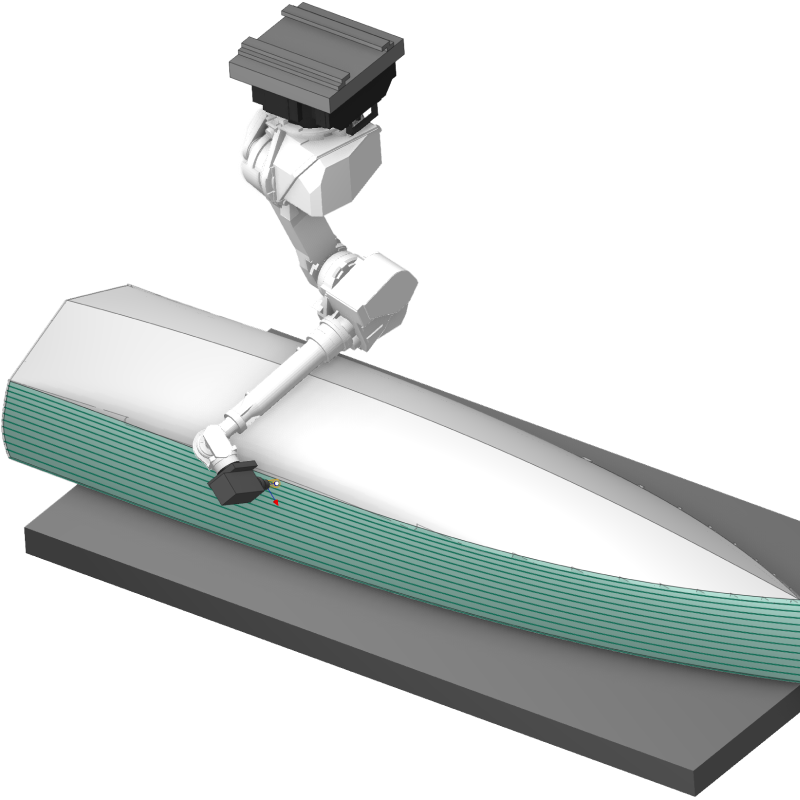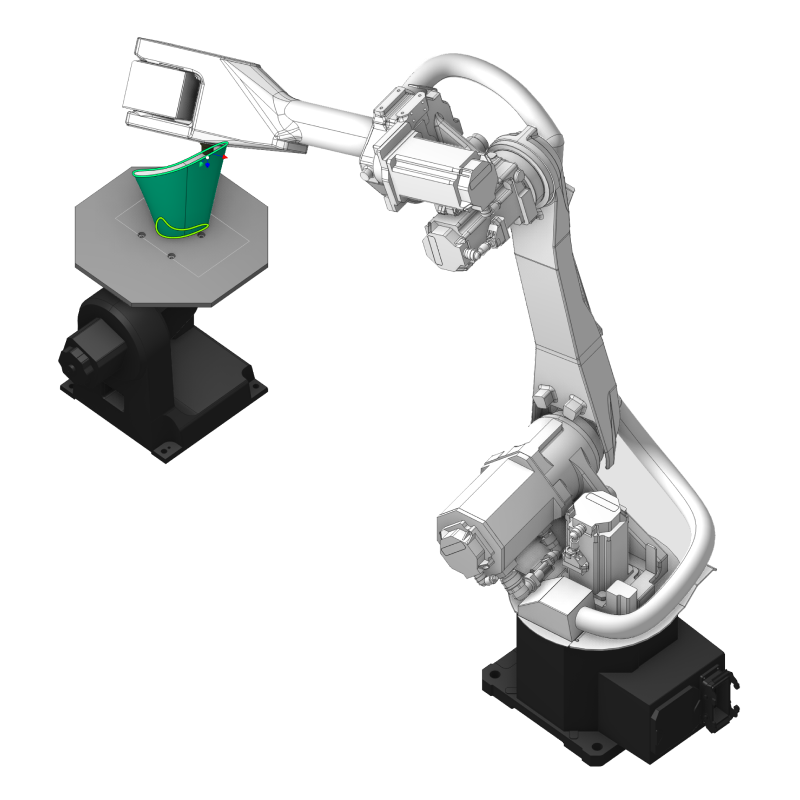
The ultimate toolpath calculation, kinematics management, and simulation software for robots


Comprehensive CAD/CAM technology pack for 2- to 5-axis toolpath calculation
Technological paramteres

Multiaxis contour
Tool vector control

External axes control
Simple 6th axis control
Redundant axes optimizer for singularity and collision avoidance
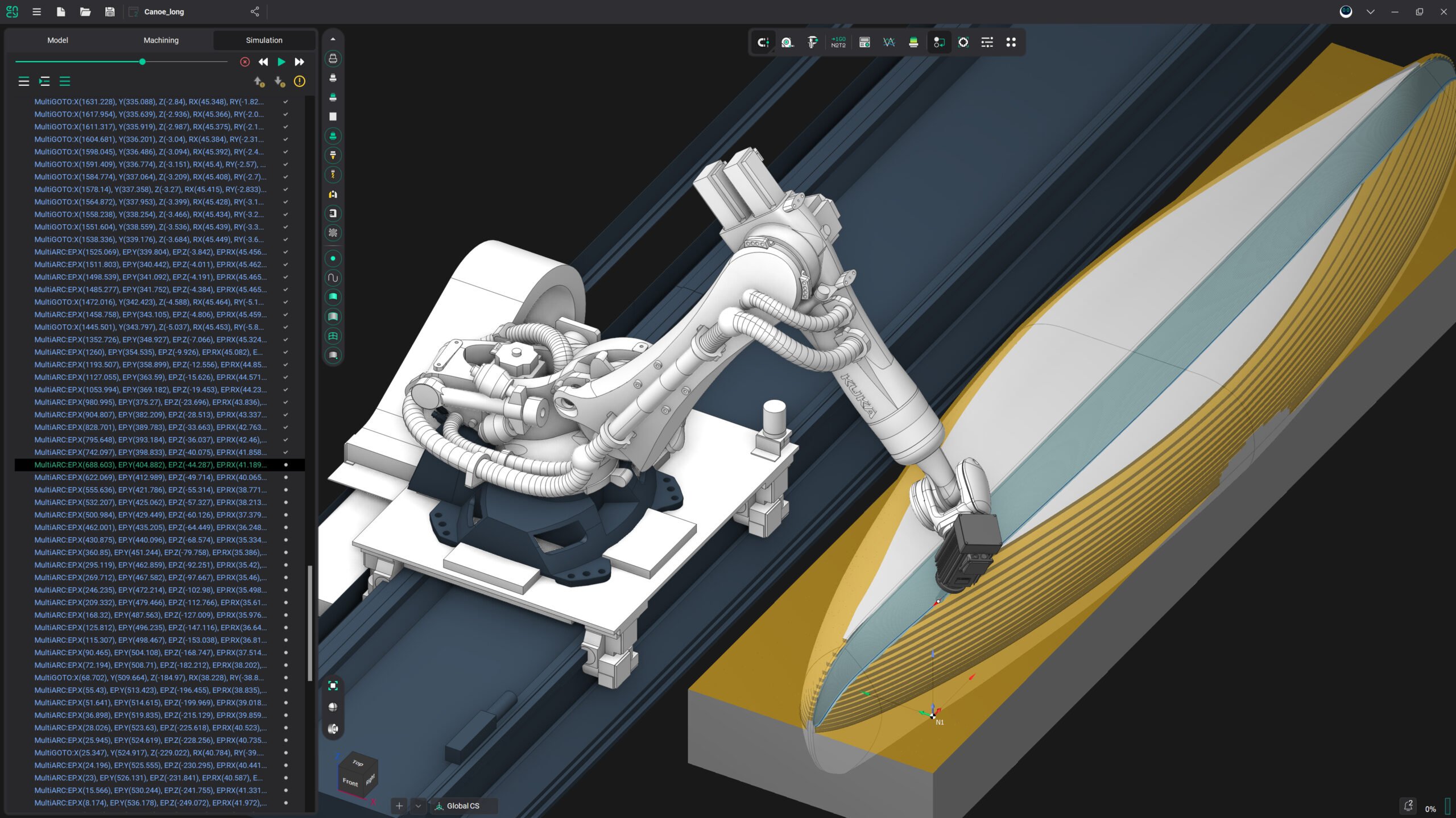
Control program
Full robotic cell simulation
Material simulation

Index and continuous external axes movements
Additive process simulation

Base
Fixed object
Rail
Robot
End effector
Part
External tool

Welding simulation

No results available

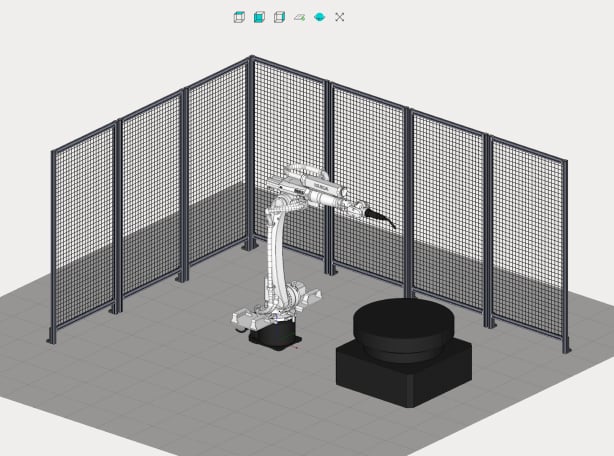
With our dedicated app, MachineMaker, you can easily build your own robotic cell digital twin.
Components library
MachineMaker offers a comprehensive library of components, including robots from all major brands and various elements essential for constructing robotic cells.
Unlimited Customization
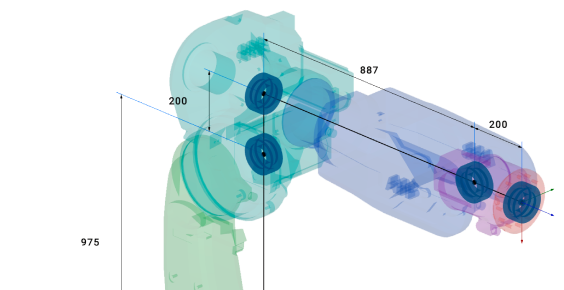
Create your own components without limitations, designing specialized tools and unique parts tailored to your specific needs.
Ease of Use
MachineMaker features an interactive user interface and is rich in features, allowing you to build your robotic cell quickly and without any coding.
Digital twin
Robotic cell
Effective workflow

Generate optimal toolpaths for various robotic applications, including milling, additive manufacturing, edge-following, cutting, trimming, deburring, painting, welding, pick-and-place, assembly, and polishing.
Roughing Toolpaths
– Waterline: parallel, equidistant, high-speed, and adaptive.
– Rotary and 5-axis roughing.
– Hole machining with Feature-Based Machining (FBM).
Finishing Toolpaths
– Simple finishing: waterline, plane, and combined.
– Advanced finishing: scallop, spiral, and morph.
Additive Toolpaths
– Planar and non-planar slicing.
– Curve, area, 3D, and 5-axis cladding.
Contouring Toolpaths
– 2D, 2.5D, 3D, 5-axis, and 6-axis contouring.
Special Toolpaths
– Stone roughing, welding, painting, pick-and-place, grinding, and deburring.
Toolpath calculation
All-in-one software
CAD/CAM for robots

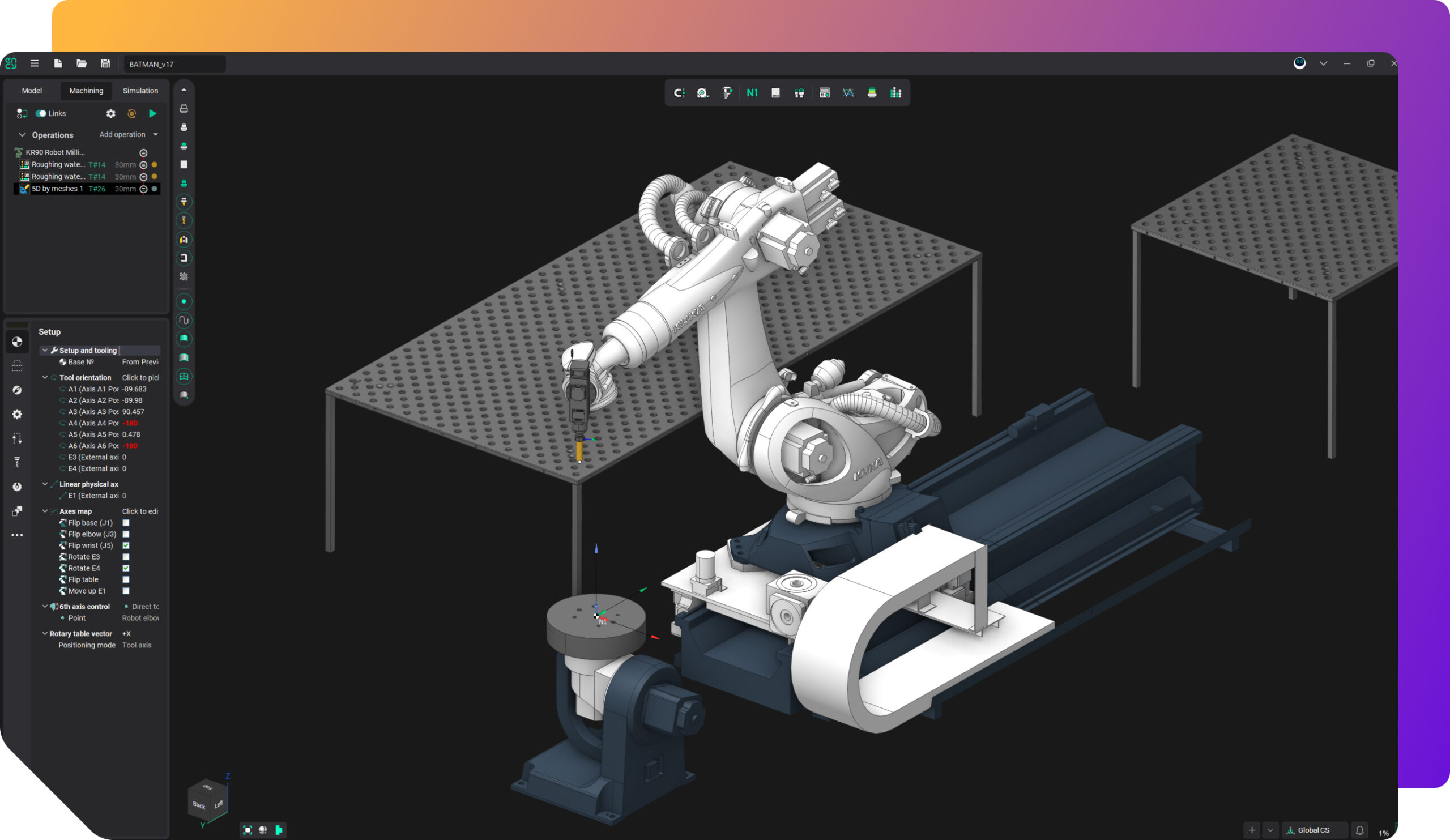
Manage robot kinematics to address singularities, collisions, and reach zone limits with specialized tools.
Robot Axis Map
Gain full control over singularities, collisions, and the 6th axis redundancy using the powerful robot axis map tool.
Manage Rotary Tables, Positioners, and Rails
Define the specific behavior of additional equipment of the robotic cell with special features.
Singularity avoidance
Inverse kinematics
External axes
Collision avoidance
6th axes control

Enjoy high-resolution and smooth robotic cell simulation.
Complete Robot Cell Simulation: ENCY Robot delivers advanced simulation capabilities, including full robotic cell simulations with all components of the robotic cell such as robots, tables, rails, end effectors, fences, fixtures, and tool magazines.
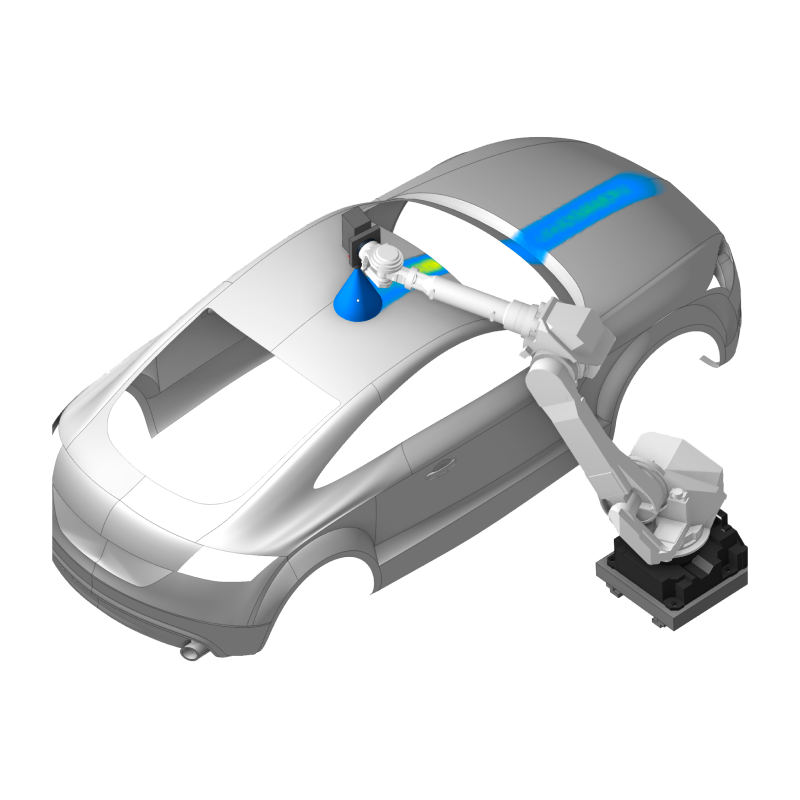
Material Removal, Additive, Painting: ENCY Robot offers dedicated simulation modes for material removal and additive processes both with stock tracking, welding and painting ensuring precise result control.
Material removal
Stock tracking
Collision detection

Postprocessing
ENCY Robot comes with generic postprocessors compatible with top robot brands including Kuka, Fanuc, Motoman, ABB, Staubli, Nachi, among others.
However, a customized post processor is often necessary. In such cases, our local dealers provide post processor customization services, ensuring you receive a fully tailor-made solution for your specific project.
Control program verification
The ENCY Robot simulation engine can run simulations based on a post-processed control program, allowing users to verify the actual control program before deploying it on a real robot. This feature helps identify and resolve any potential post processor issues in advance.
Postprocessing
Simulation
Verification
No results available
Simply Packed with innovation, beauty, and power – now enhanced with AI – driven performance, advanced automation, and smarter control of CNC and robot kinematics.
Create accurate digital twins of your production equipment:
MachineMaker helps manufacturers and integrators replicate real-world setups virtually. While extensive Robot Components library includes a wide selection of industrial robot brands and various components to build virtual robotic cells. The high-quality simulations and detailed digital twins ensure precise planning and testing before implementation.
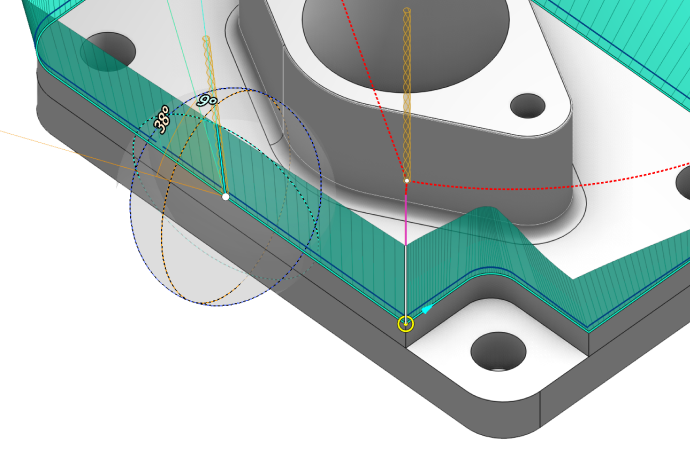

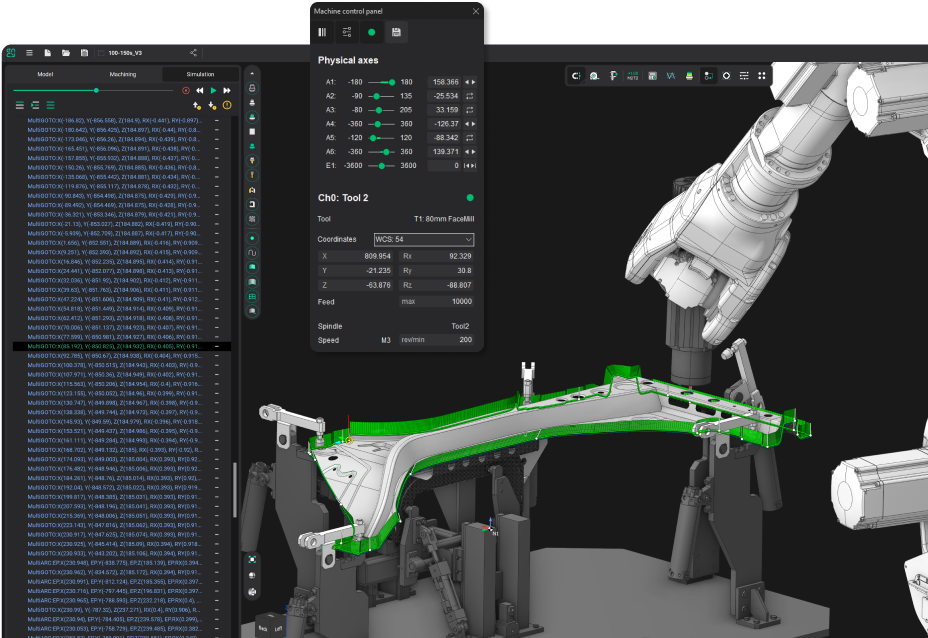
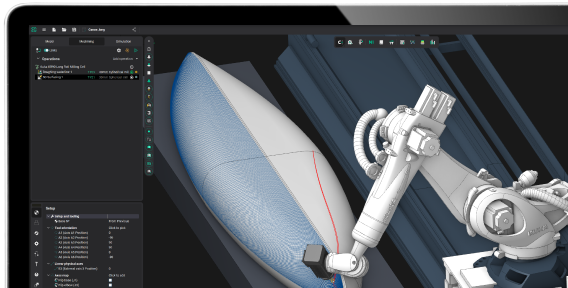

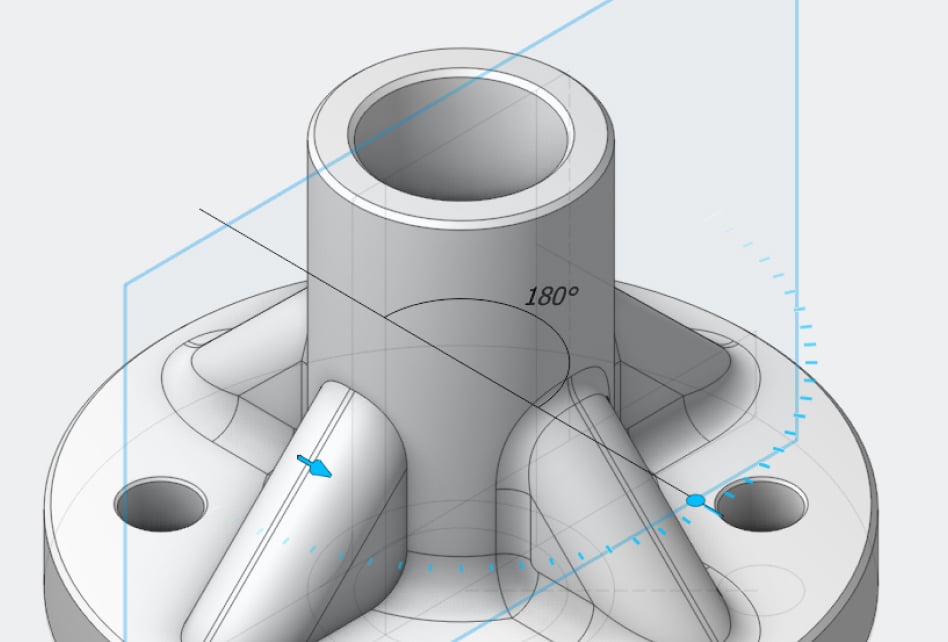

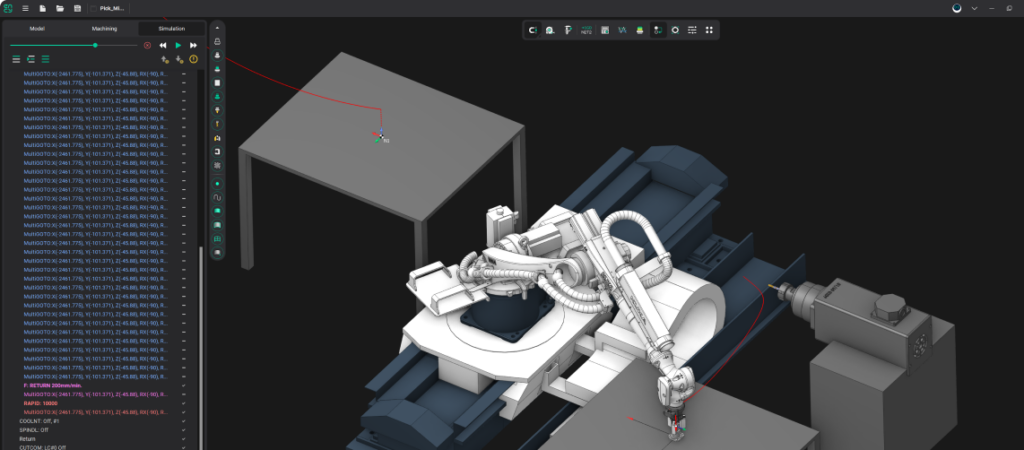
Miltiaxis cutting with precise tool vector control
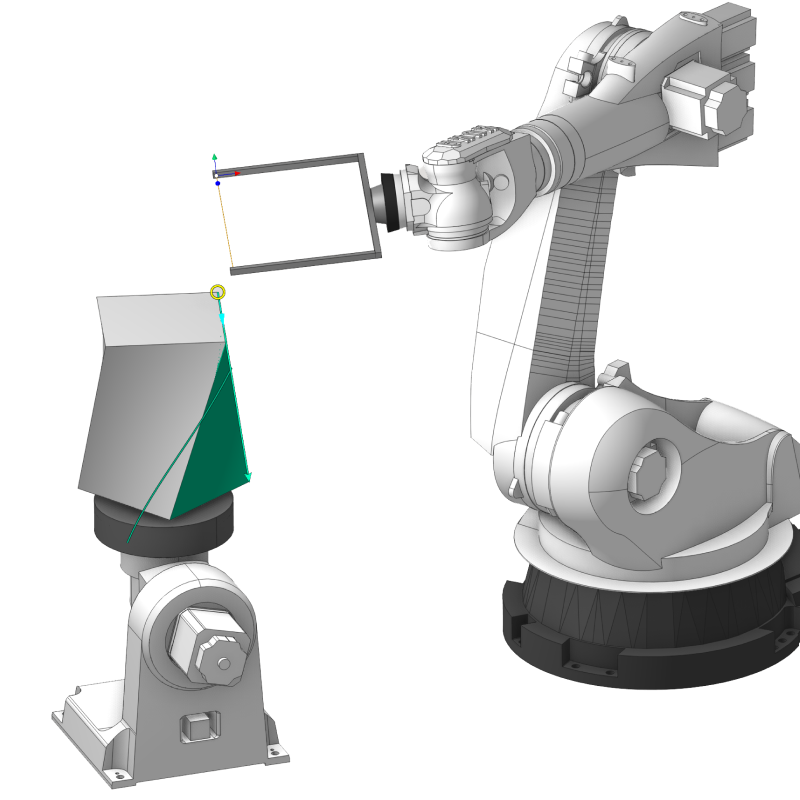
Simple easy-to-use solution for welding programming
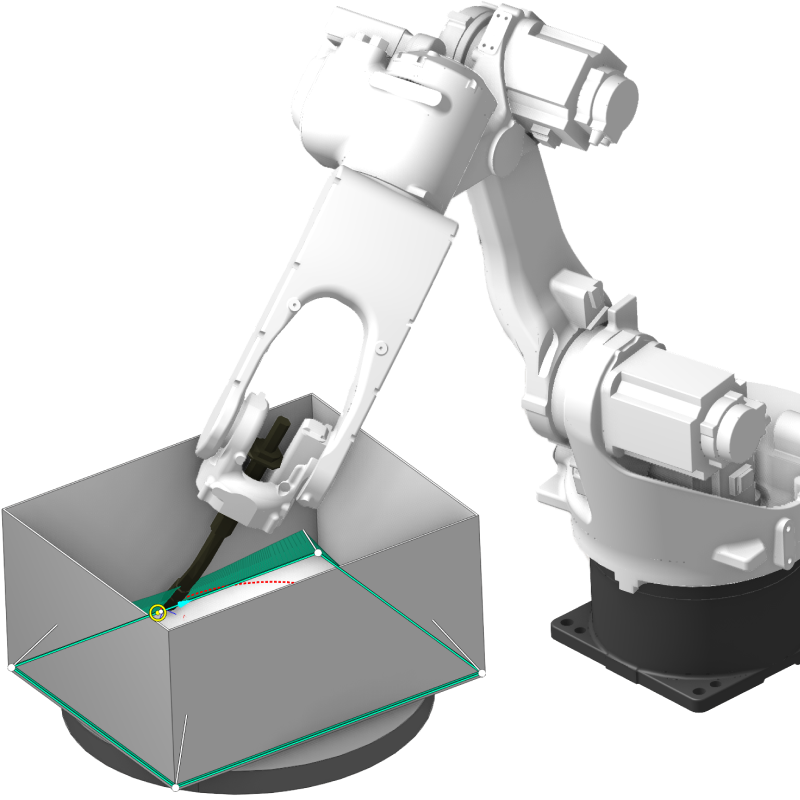
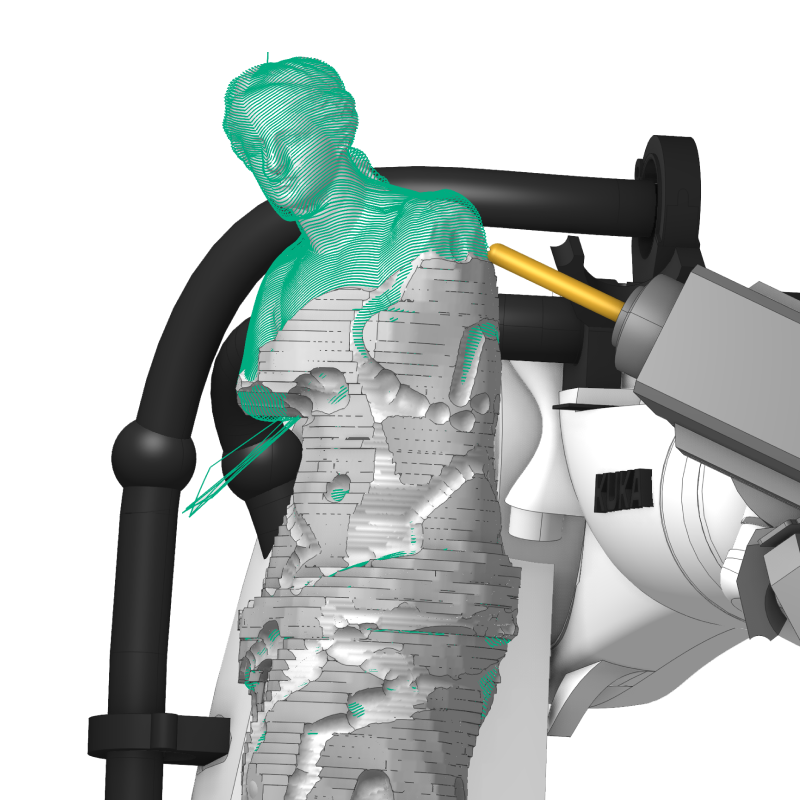
Stone roughing, disk tool, advanced 5D finishing for mesh models
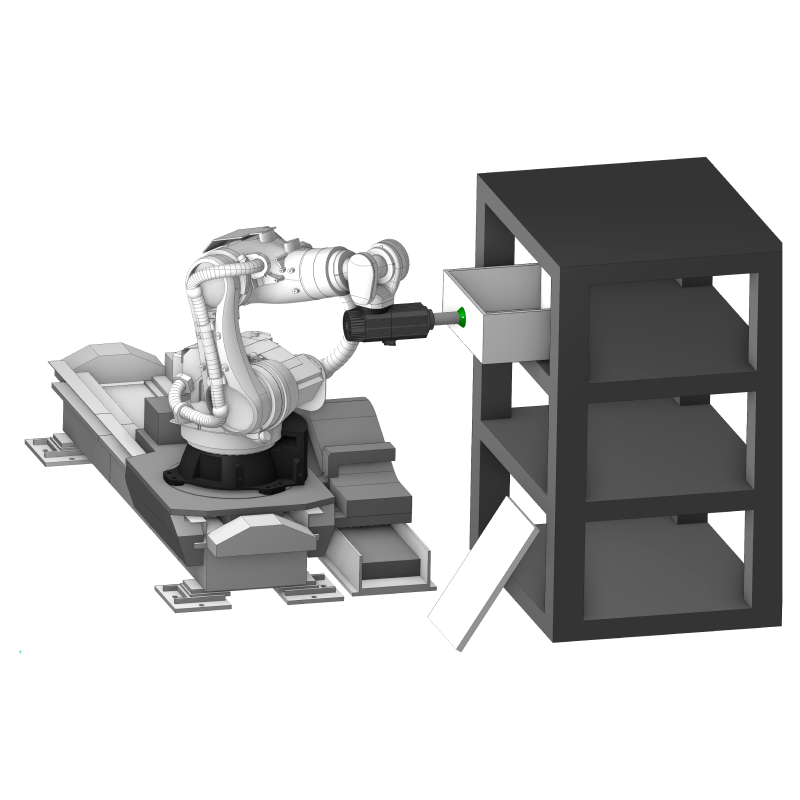
Collision-free automatic pick-and-place
Simulate and test your painting on your PC
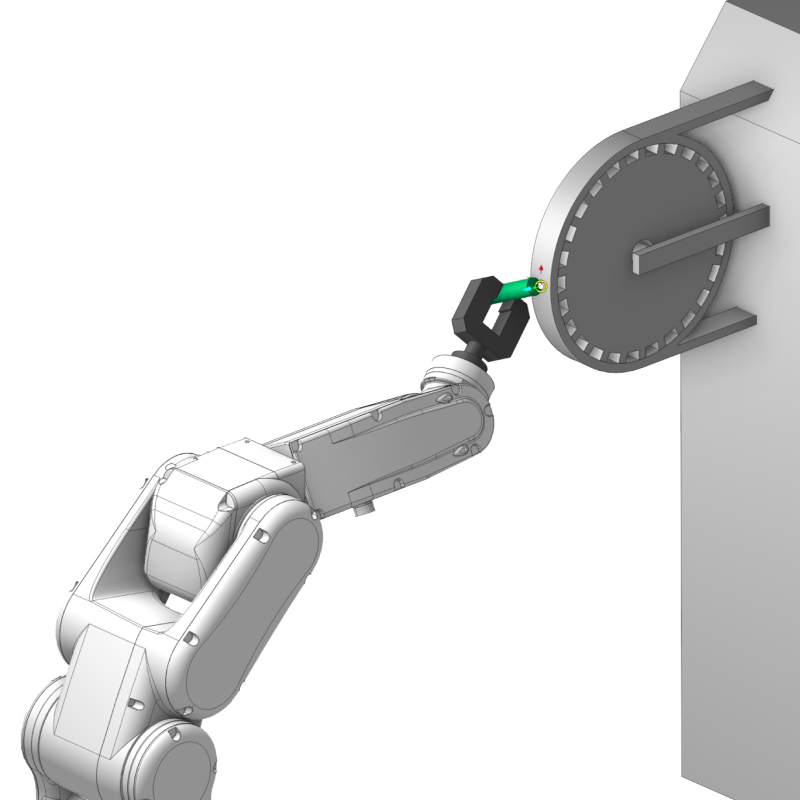
Tool-to-part and part-to-tool supported
No results available
All our software products are built on the proprietary and technologically independent ENCY X platform, delivering unmatched CAD/CAM power, security, rich digital manufacturing content, powerful API tools and collaboration capabilities for engineers
Daily posts from ENCY users all over the world
No results available