MachineMaker: Zero-code digital twin builder
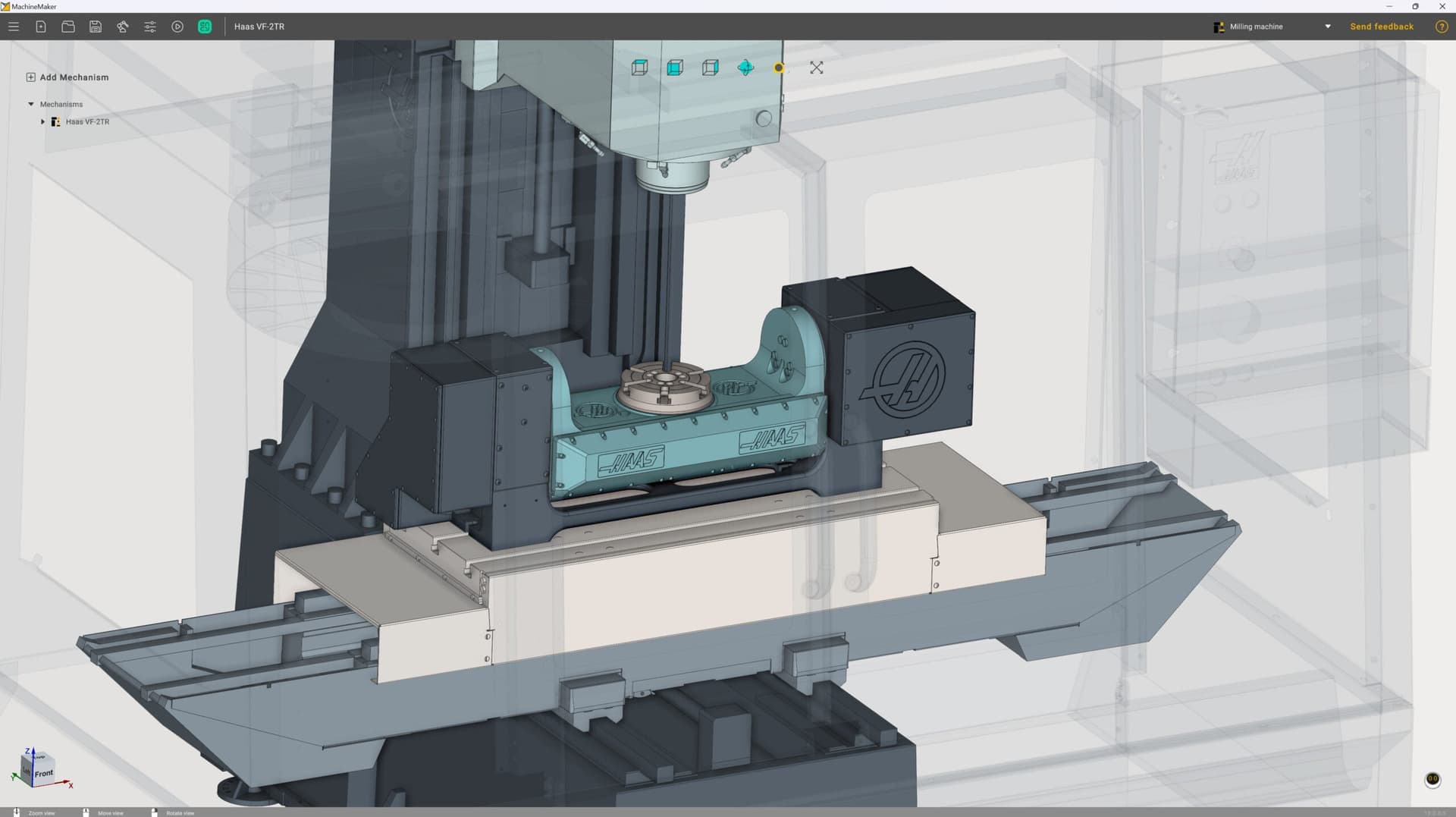
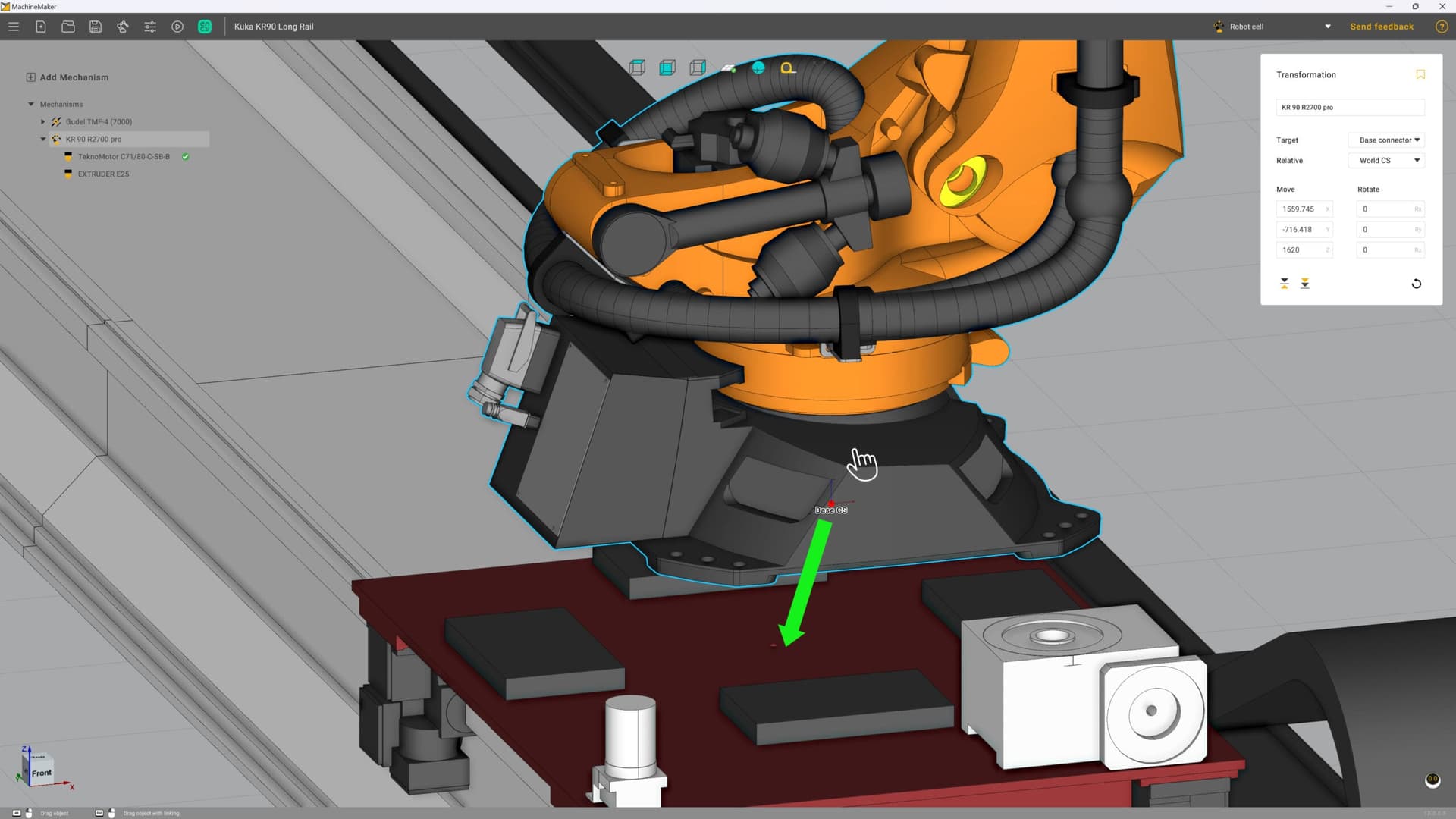
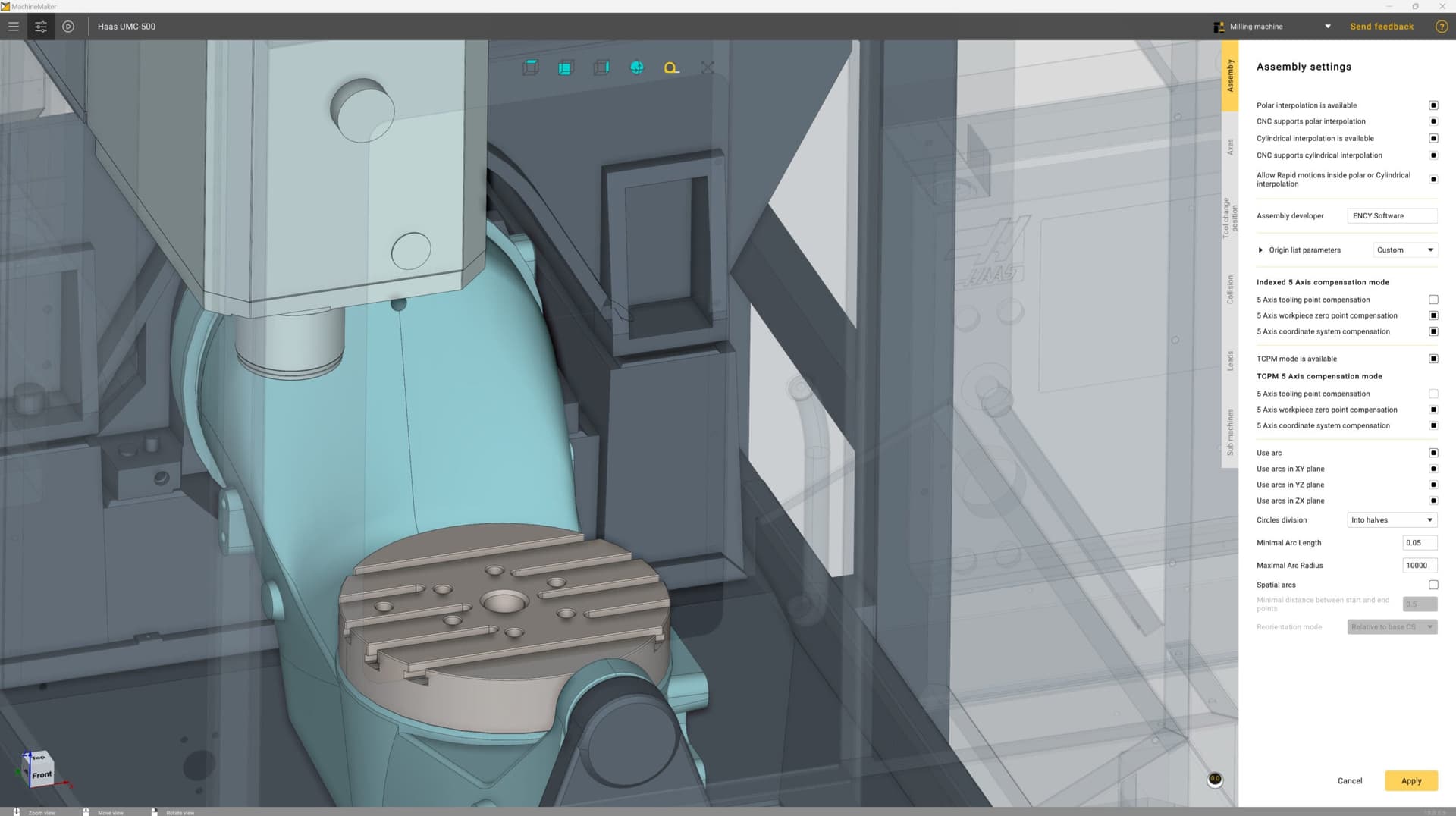
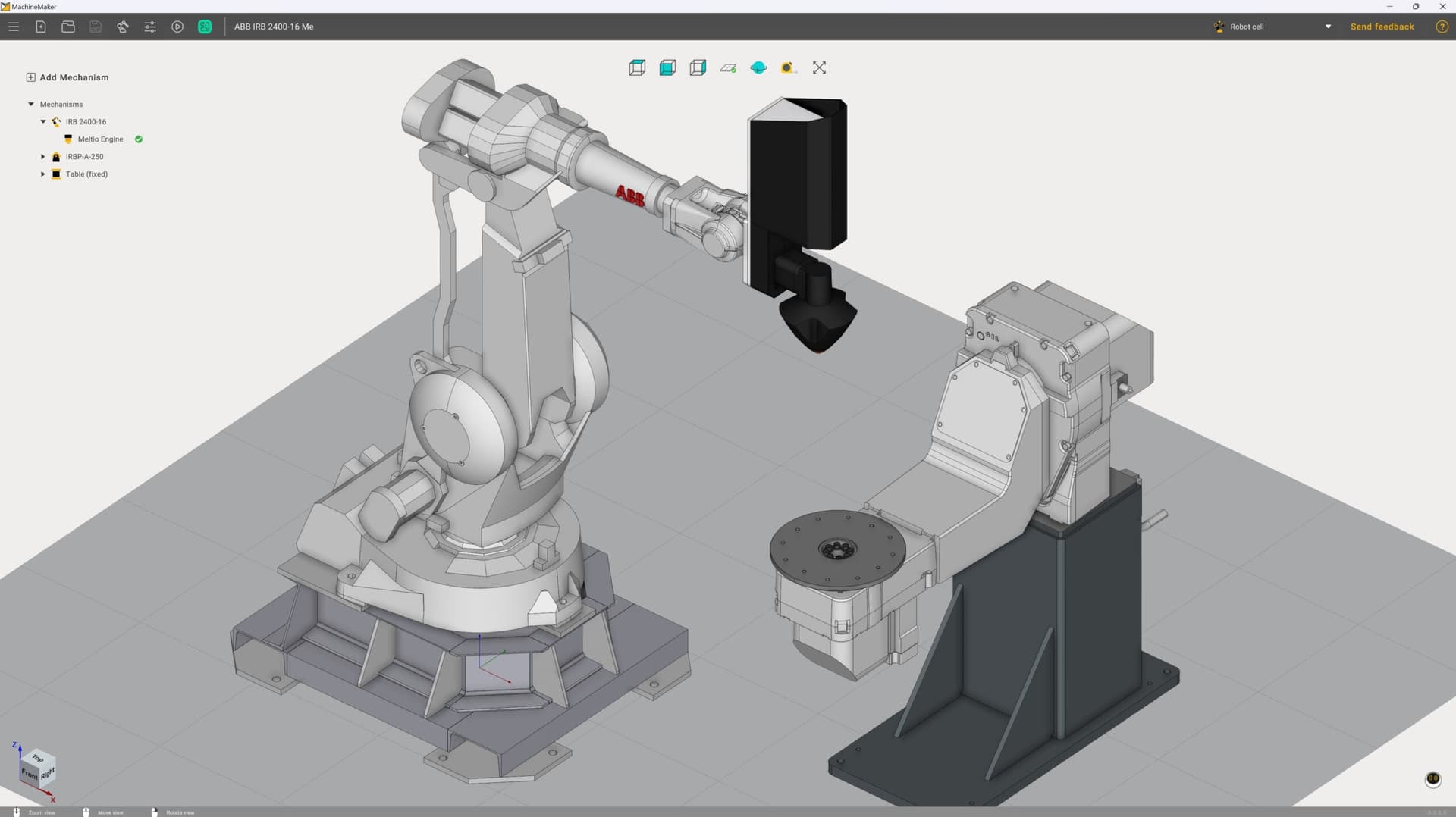
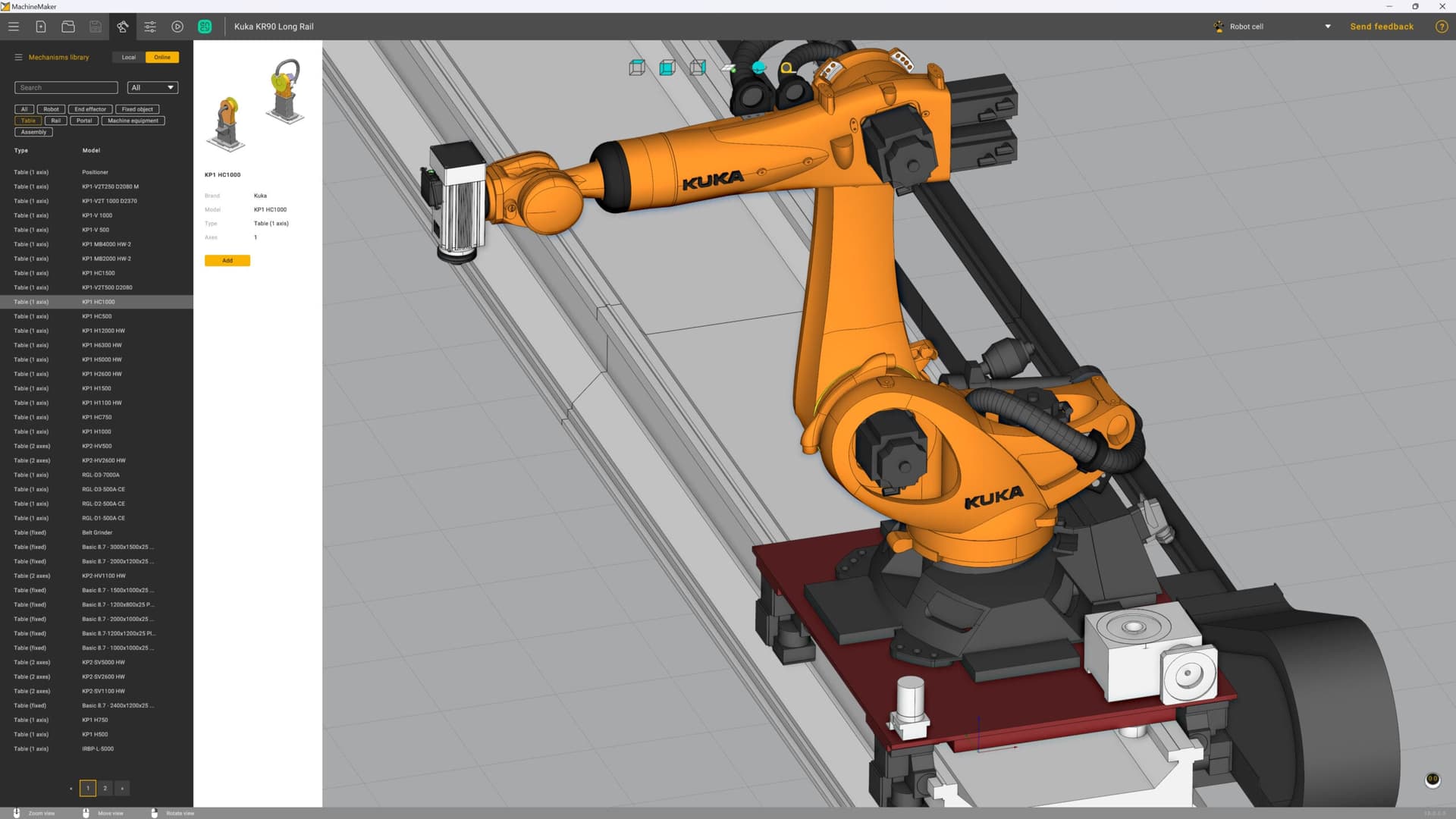
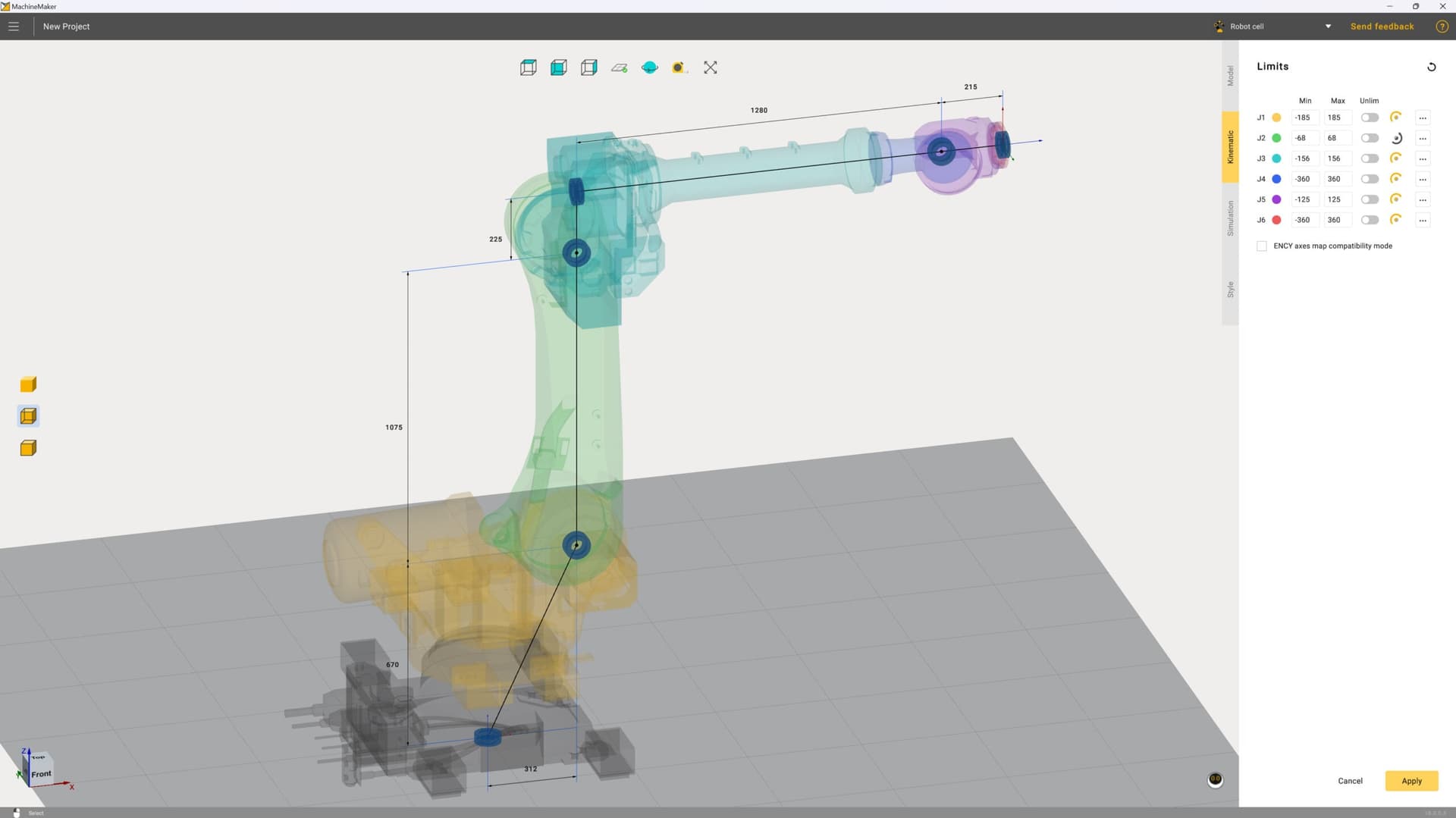
Advanced and interactive builder for virtual CNC machines and robotic cells
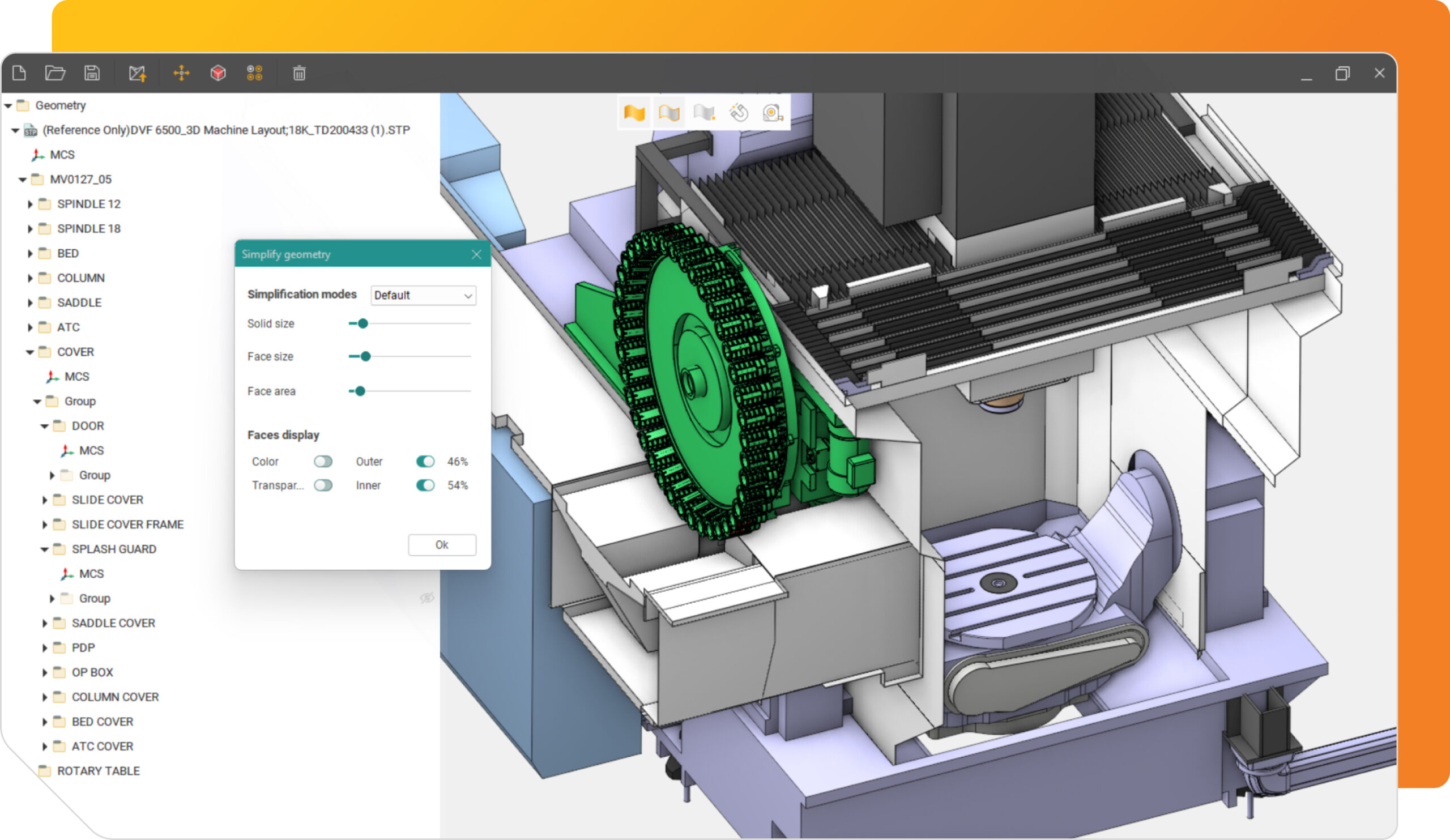
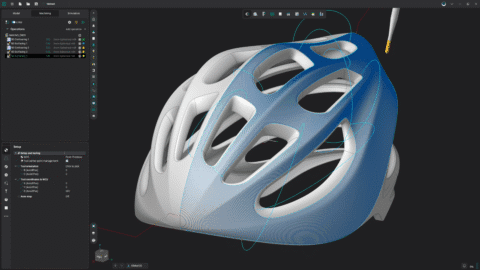
Simplify 3d models
Key features: interactivity, ease of use and valuable content
One of the most innovative digital tools for accurately moving your production equipment from the real world to the virtual world.
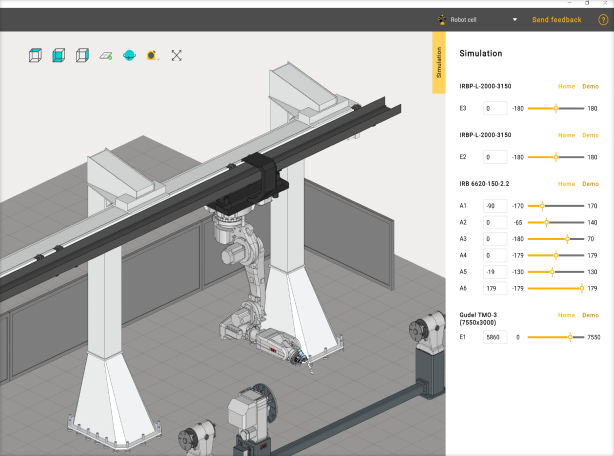
MachineMaker provides a zero-code approach to building digital twins of CNC machines and robotic cells, making it accessible to engineers without specialized programming skills.
MachineMaker is natively compatible with all ENCY products
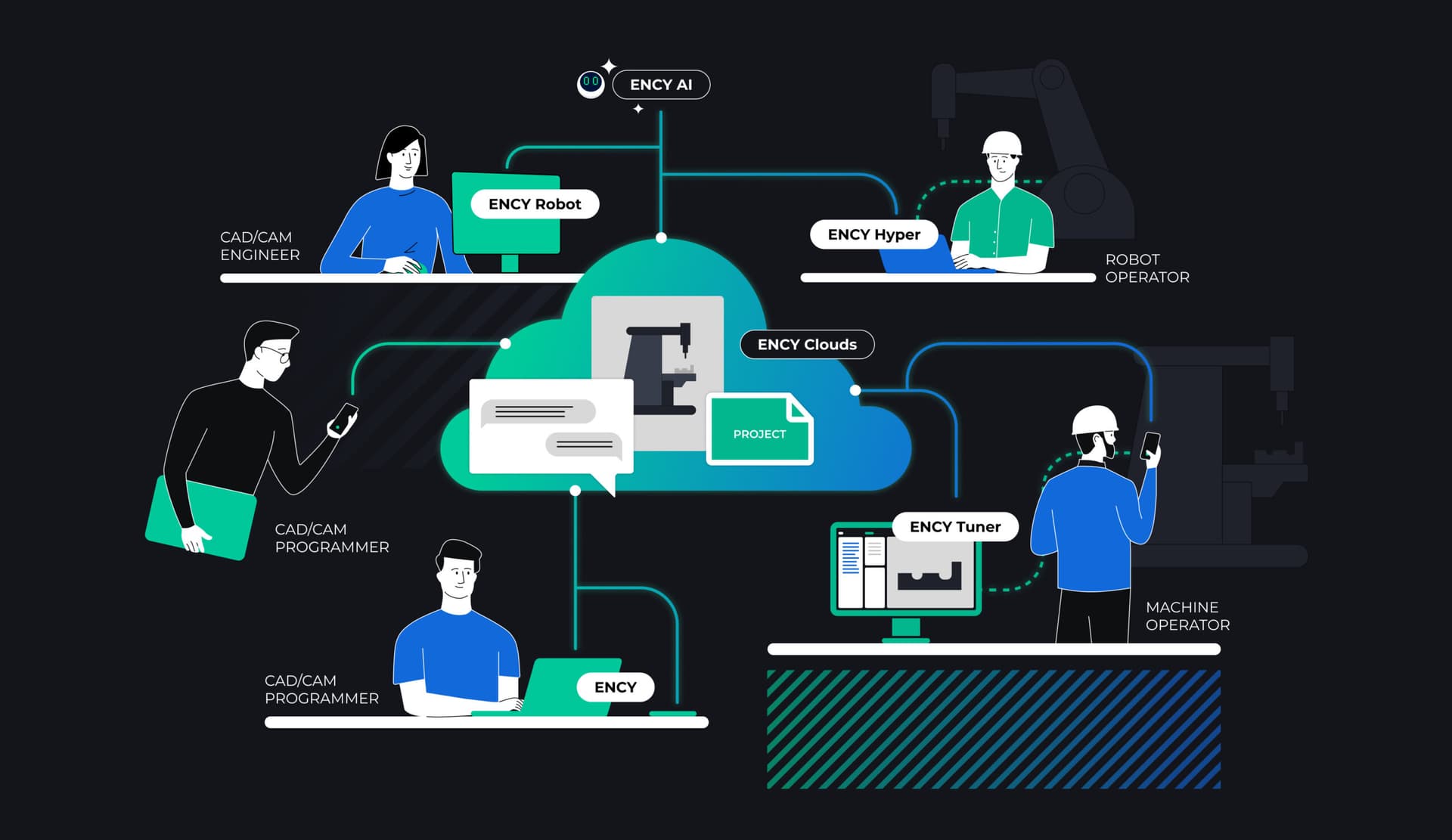
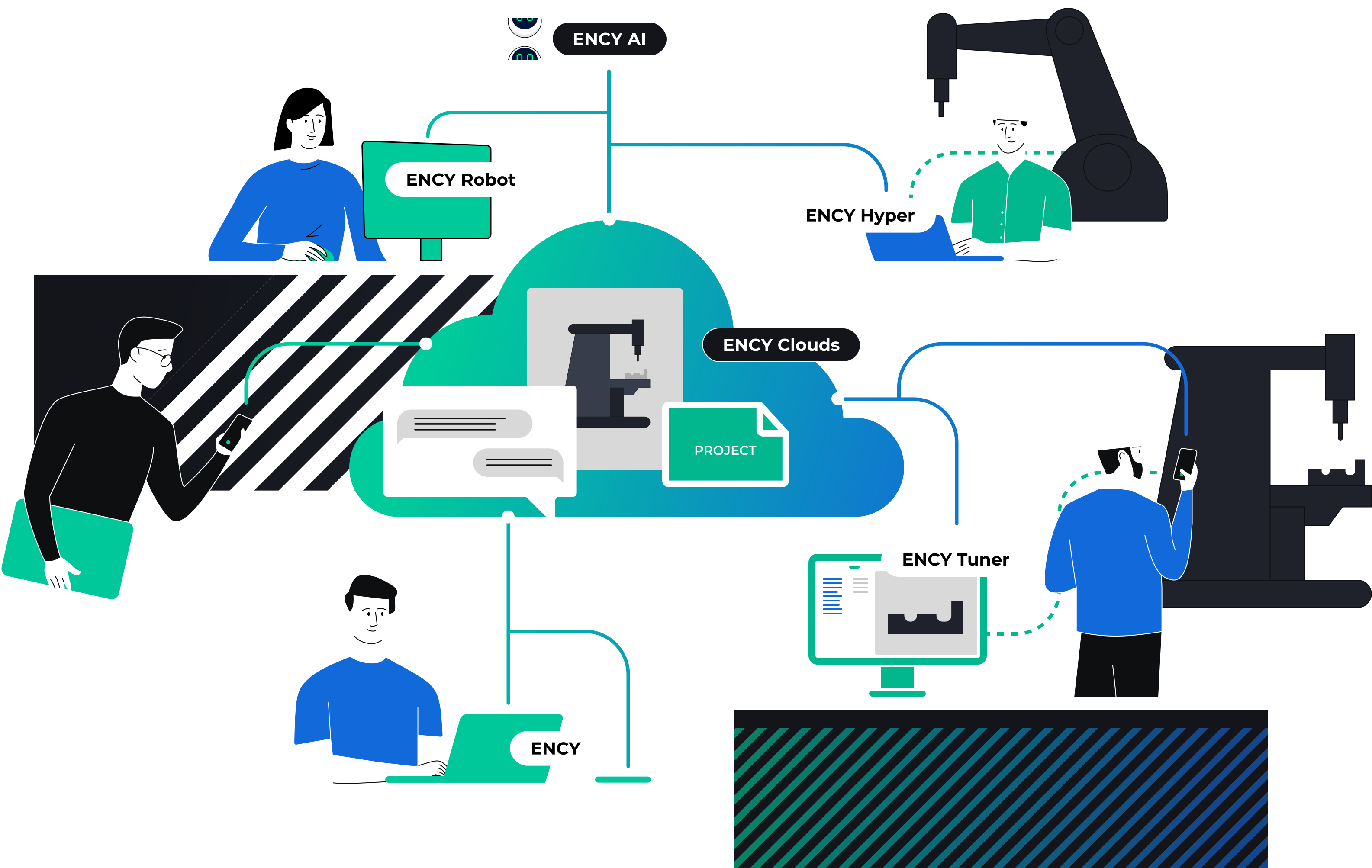
All our software products are built on the proprietary and technologically independent ENCY X platform, delivering unmatched CAD/CAM power, security, rich digital manufacturing content, powerful API tools and collaboration capabilities for engineers
Powered by ENCY
Daily posts from ENCY users all over the world

Powered by ENCY15 Sept 2025
Advanced Robotic Sculpting in Shipbuilding

Powered by ENCY27 Aug 2025
Enhancing Die & Mold Precision with Robotic Milling Solutions
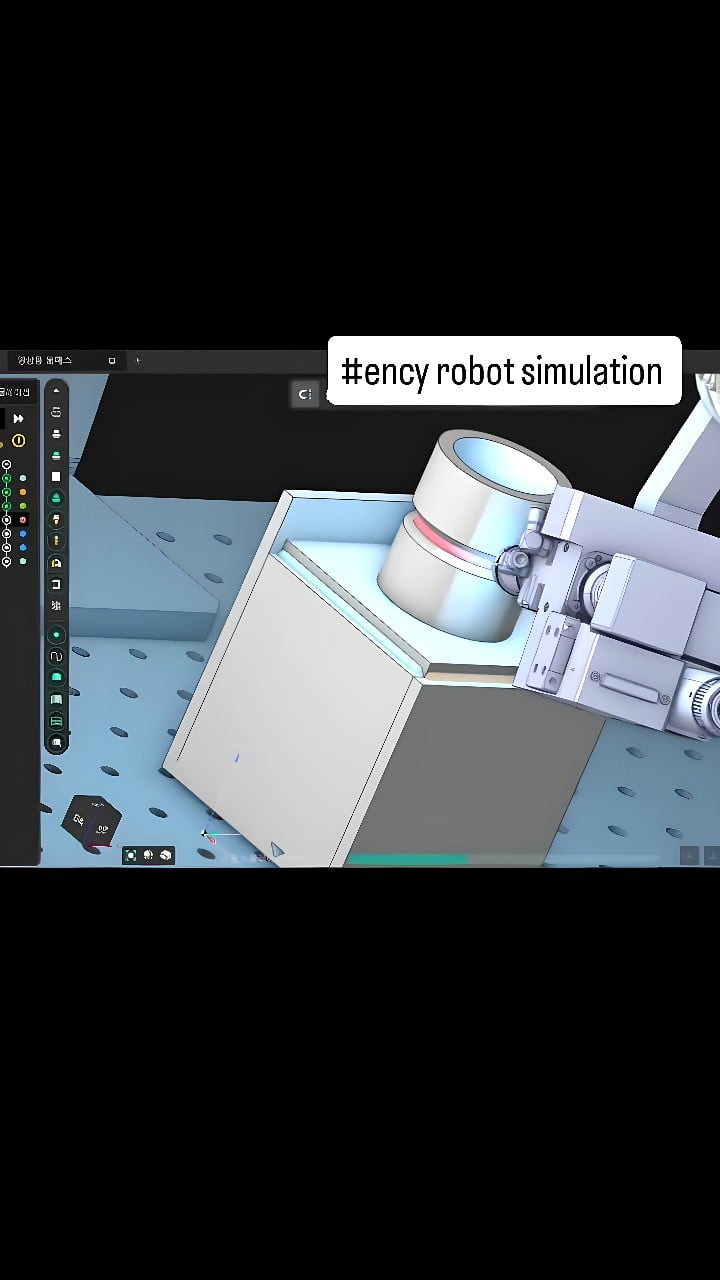
Powered by ENCY15 Aug 2025
Advancements in Robot Welding for the Machine Tool Industry
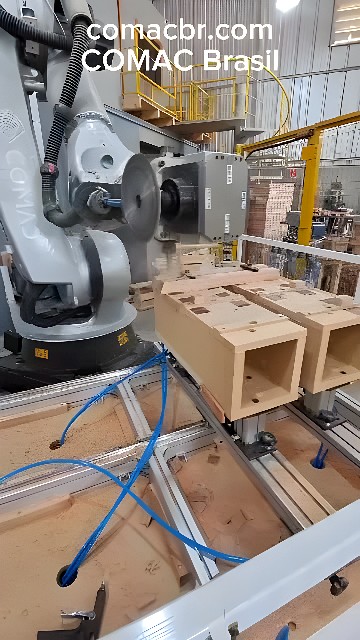
Powered by ENCY13 Aug 2025
Advanced Robotic Milling and Painting in Diverse Sectors
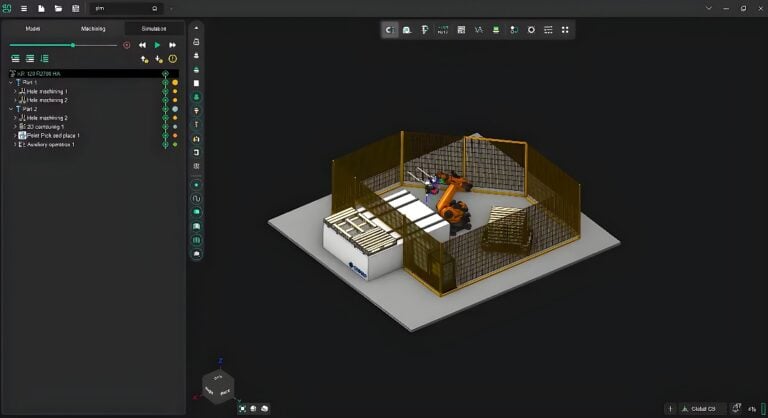
Powered by ENCY25 Jul 2025
Robotic Work Cells in Industrial Machinery: A Multi-Tasking Powerhouse
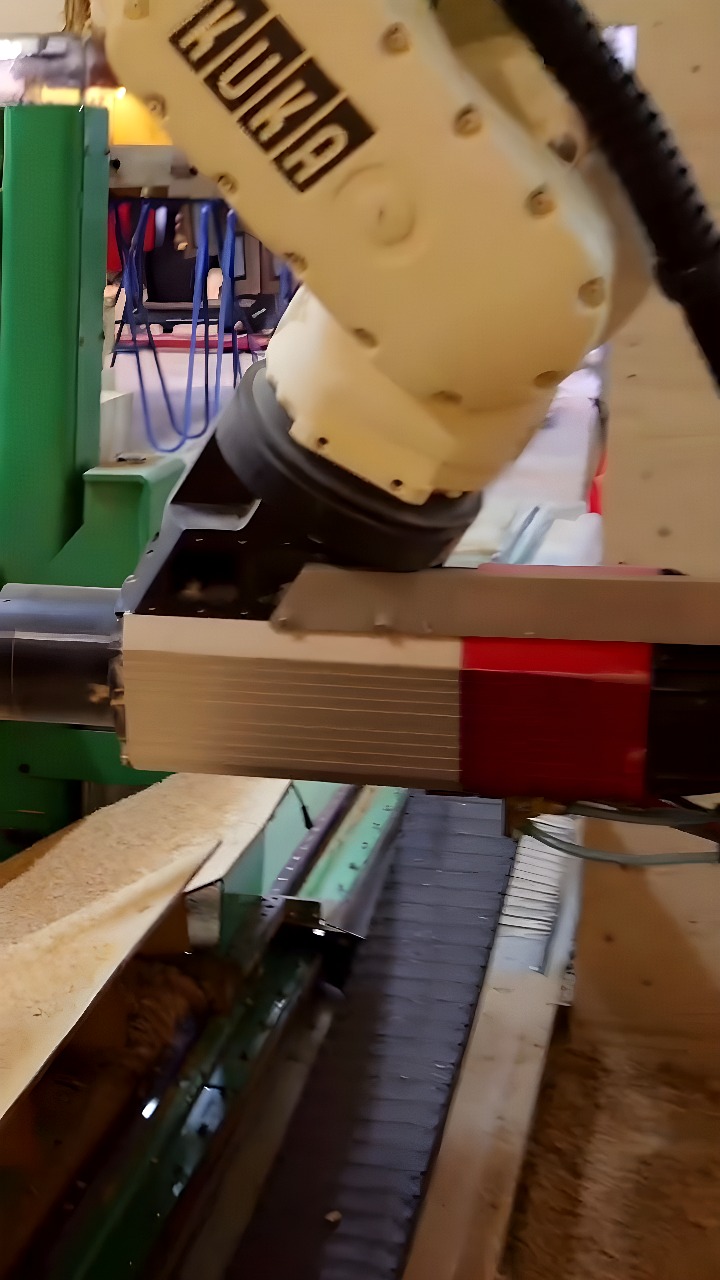
Powered by ENCY18 Jul 2025