ENCY 3.3: The Simulation Moves to Your GPU. The Routine Moves to Macros.
On a test project with many machine bodies, opening a simulation dropped from 20 minutes to 9 seconds. Thread milling and nesting get their own upgrades.
A lot of programming time disappears into waiting, retyping and repeating. ENCY 3.3 and ENCY Robot 3.3 take a big bite out of it.
Simulation You Don't Have to Wait For
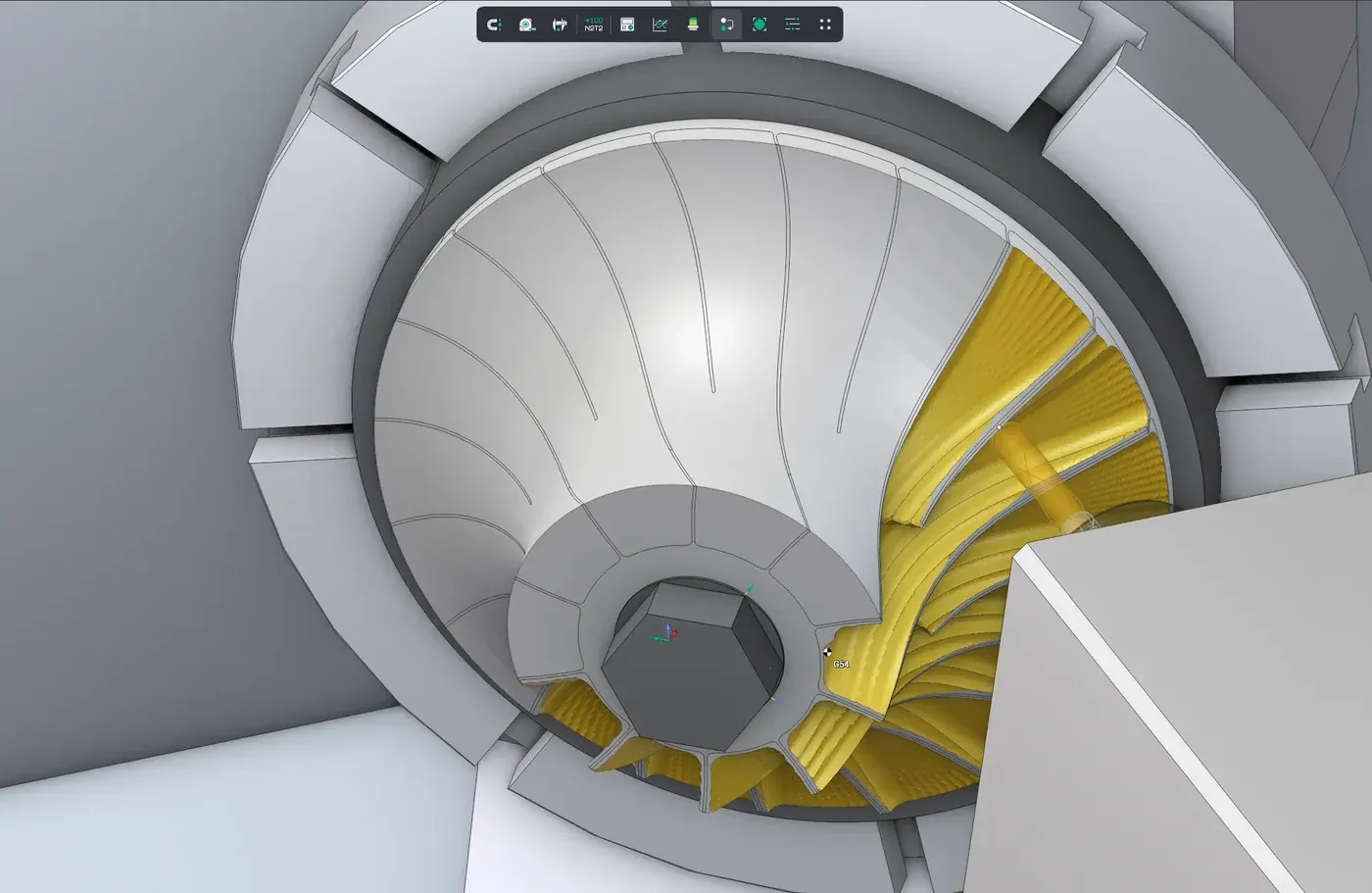
Voxel 5D simulation now runs on your graphics card, in ENCY and in ENCY Robot. On a test project with many machine bodies, opening the simulation took about 20 minutes. On an NVIDIA RTX 2000 Ada it takes 9.3 seconds. You check the cut right after the change, not after a break. Your result depends on your project and hardware. GPU mode is on by default, and if your graphics card does not support it, ENCY falls back to the CPU. Solid and Voxel 3D simulation, and background simulation of operations, stay on the CPU.

Thread Milling With Less Retyping
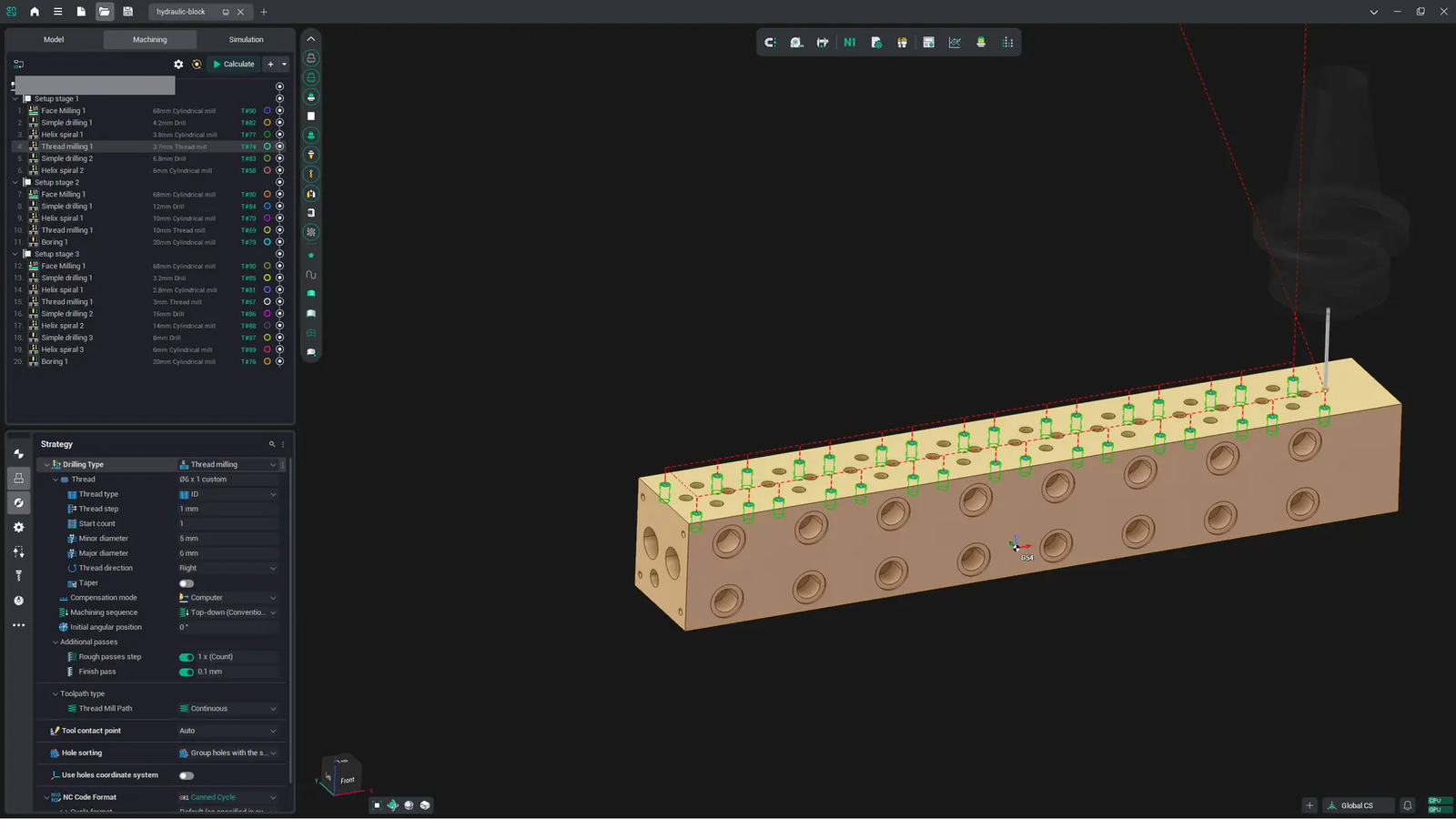
Thread milling is now its own cycle. If your CAD model carries the thread, ENCY reads it and applies it to the hole, so you don't enter it by hand. The thread library and manual input work too. Select several holes and ENCY highlights what differs, and one edit updates them all. The 3D view shows the thread contour and the toolpath turns, so you can see what will be cut. Next to it comes Helix spiral, which machines holes along a helical toolpath with roughing and finishing passes. Both cycles need a 3-axis milling license or higher.

Leftover Sheets You Don't Lose Track Of
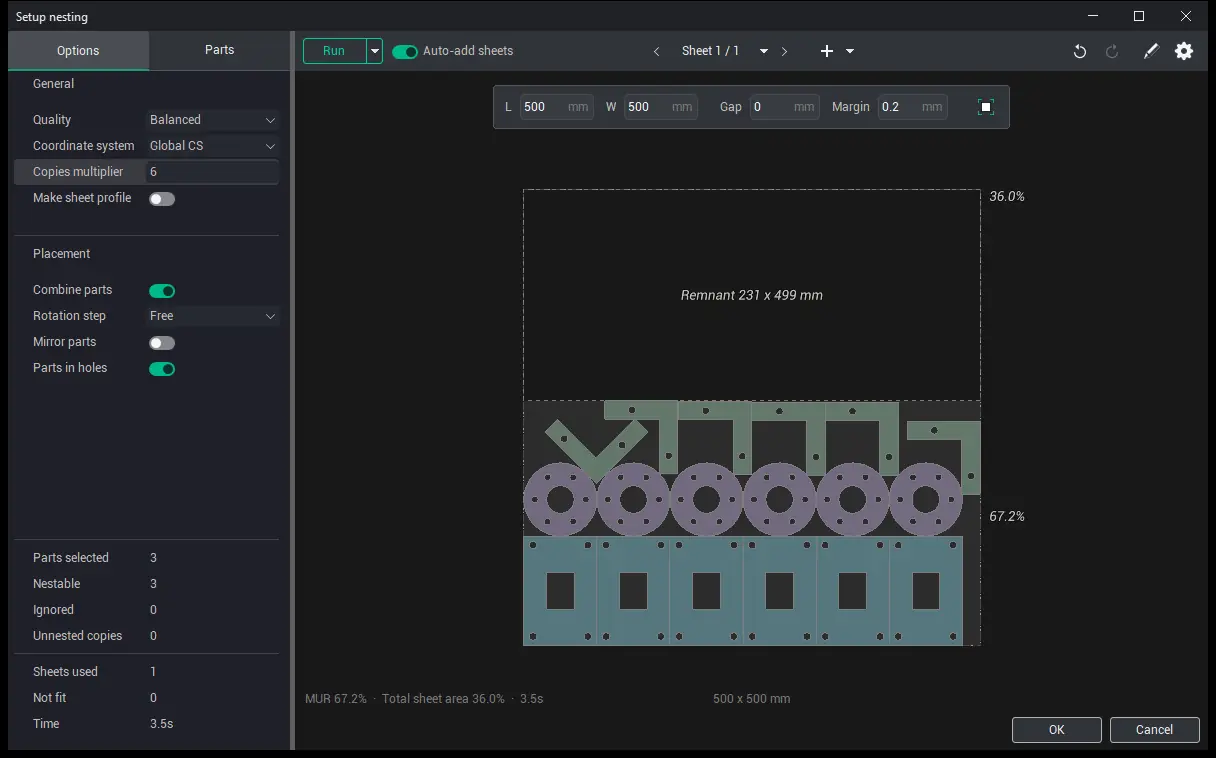
Nesting now keeps a sheet stock. Take sheets from it and ENCY picks remnants automatically. When the job is done, give the free area back with "To stock": used remnants are written off, new ones are added. Your leftovers are ready for the next layout.

Macros: Build Once, Run on the Whole Folder
Making similar parts in series means repeating the same steps for every model. Build a macro from a menu, no recording: import, create and calculate operations, output the NC program, save. Then point it at a folder of 3D models, and ENCY processes each one in its own project, with results sorted into a folder per model. Variables, conditions and loops are supported.
And More
- Open a DXF and get a drawing next to your model, with dimensions, hatches and blocks intact. If the units differ, ENCY offers to scale it.
- Sketches get item numbers, sections, view arrows and detail views with a scale.
- Moves beyond axis limits are always highlighted in red, so you spot them at once. Projects with large toolpaths open faster.
- Reports show where the time goes: work time of each tool, auxiliary time, machining time per setup, minimum Z.
- Large projects save faster, because only changed data is written.
- Roughing waterline and Pocketing can start near a point you choose.
- Sign letters and gasket rings nest as one part with the new "Frame" role.
- Studio themes highlight selected objects like anodized metal, and you can export to GLB.
Fixes That Keep You Working
In 3.3, Roughing waterline accepts curves in the Job Zone, and a model converts to brep without trouble. You can now create lathe operations on machines with several connectors, and milling operations in tool assemblies. A copied part gets its own work coordinate system instead of inheriting G54 from the original. The update also includes fixes across toolpath calculation, hole machining, reports and project handling.
ENCY 3.3 and ENCY Robot 3.3 are available through the built-in updater for customers with an active Software Maintenance Contract. See the full release notes for the complete list of changes.