What’s New in ENCY Hyper: Large Robot Programs, New Kinematics, and Mixed-Reality Cell Validation
New capabilities let users run robot toolpaths that exceed controller memory, program 7-axis cobots and 4-axis palletizers, resolve collisions faster, and validate robotic cells before installation.
ENCY Hyper connects offline robot programming with real-time control of robots and other equipment in the cell. The capabilities presented at ENCY World 2026 mark a major expansion of the system, extending its role across more stages of cell integration, commissioning, and on-site validation. ENCY Hyper can now support a wider range of robotic applications and be used throughout the workflow, from initial cell design to final checks on the shop floor.
Large Robot Toolpaths That Exceed Controller Memory
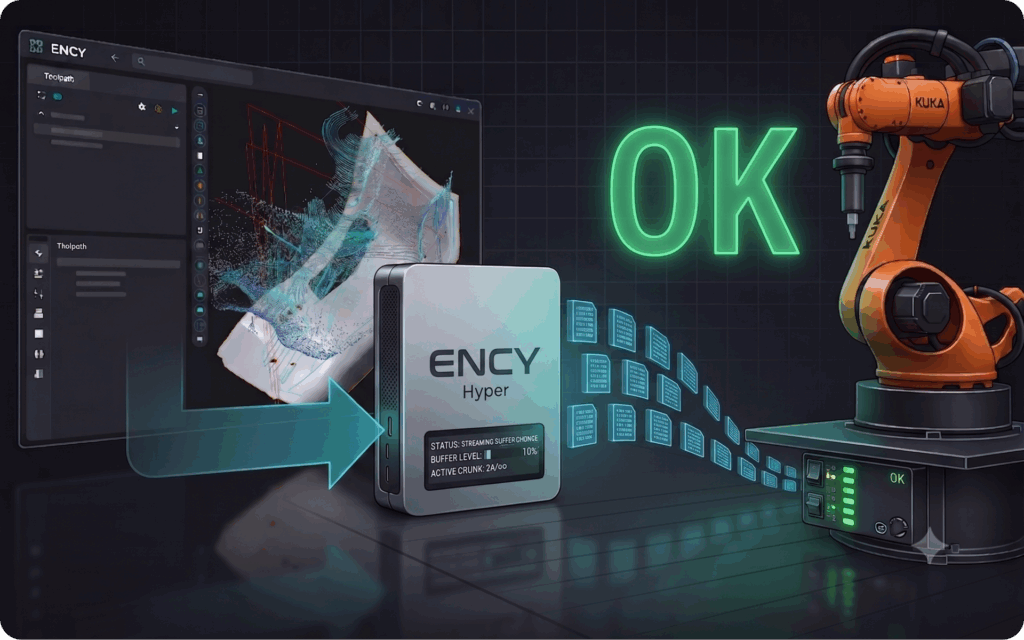
Robotic milling and other process applications can produce dense CAM toolpaths with more points than a robot controller can store. ENCY Hyper can process the complete path, but the controller may be unable to load the resulting program.
A new KUKA driver streams the toolpath in small sections while the robot is moving. The controller receives only the points required for the next part of the motion, eliminating the need to simplify the path, divide the program manually, or replace the controller.
The solution requires no additional hardware and also works with older KUKA KRC2 systems.
7-Axis Cobots for Machine Tending and 4-Axis Palletizing Robots
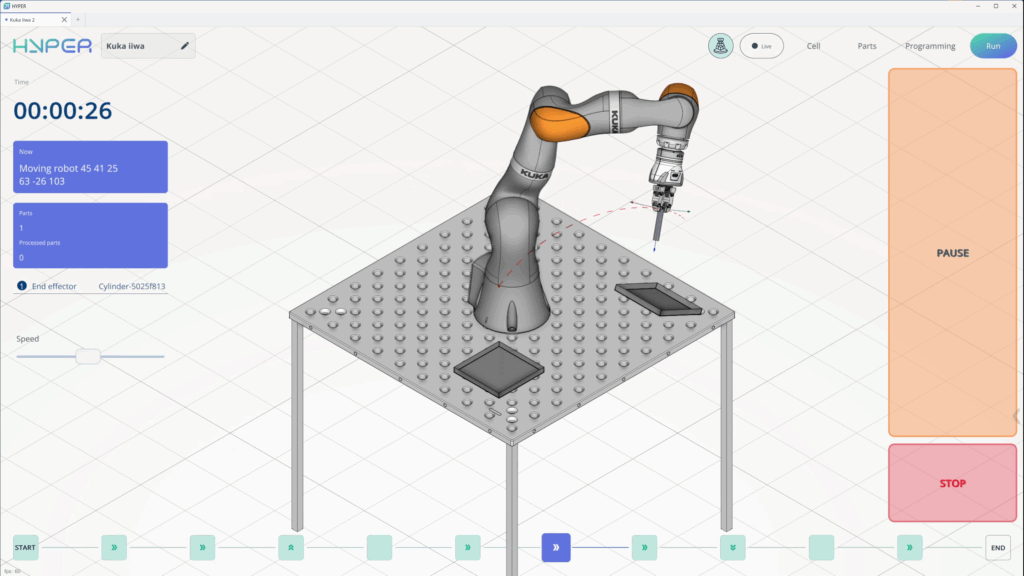
ENCY Hyper now supports two additional kinematic configurations: 7-axis collaborative robots and dedicated 4-axis palletizers.
The seventh axis allows the robot to reach the same position using different joint configurations. This is particularly useful in machine tending, where the robot must enter a confined CNC workspace while avoiding the door, chuck, table, fixtures, and other obstacles.
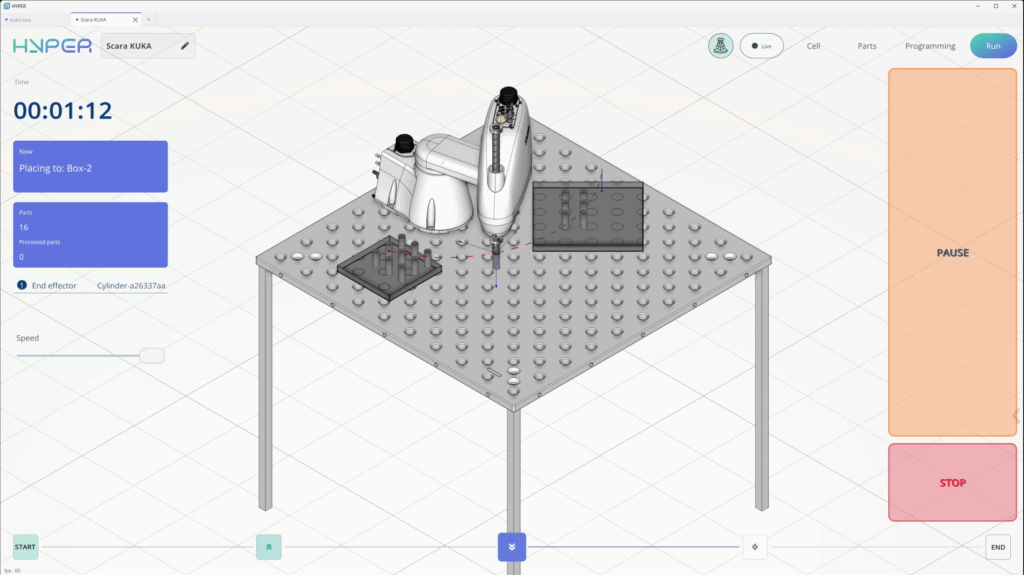
Dedicated 4-axis palletizers are designed for fast stacking, sorting, and material handling, where the flexibility of a general-purpose 6-axis robot is unnecessary.
Exact Collision Location and Automatic Collision-Free Path Generation
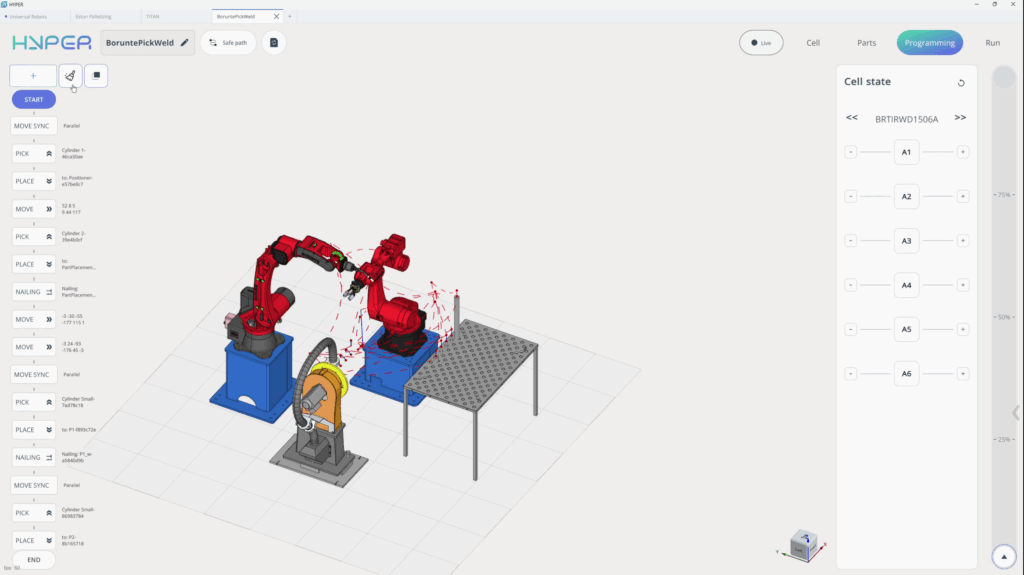
When ENCY Hyper detects a collision during simulation, it highlights the exact contact area. Users can adjust individual motion points or generate a collision-free path automatically, without having to locate the contact manually or rebuild the entire motion sequence.
Robot Cell Planning in MachineMaker
MachineMaker, ENCY Software’s tool for building digital twins of CNC machines and robotic cells, is now included in the ENCY Hyper installation package.
Digital twin creation is already a core MachineMaker capability. The latest additions focus on cell planning, equipment placement, and documentation for installation.
Integrators can assemble a complete cell using an online library of more than 1,700 ready-to-use components, including robots, rails, rotary tables, and end effectors.
A new reachability-zone view shows the full area the robot can access. It helps determine whether the selected robot can reach every required position and where the robot, table, and surrounding equipment should be placed.
MachineMaker can also export cell layouts and bills of materials for use during installation.
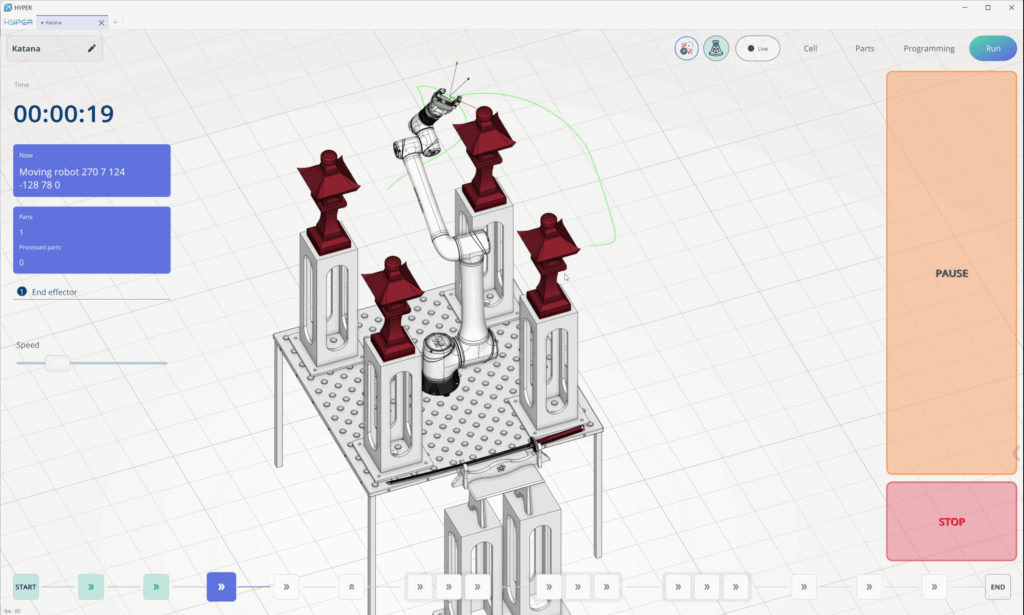
Robotic Cell Validation in Mixed Reality
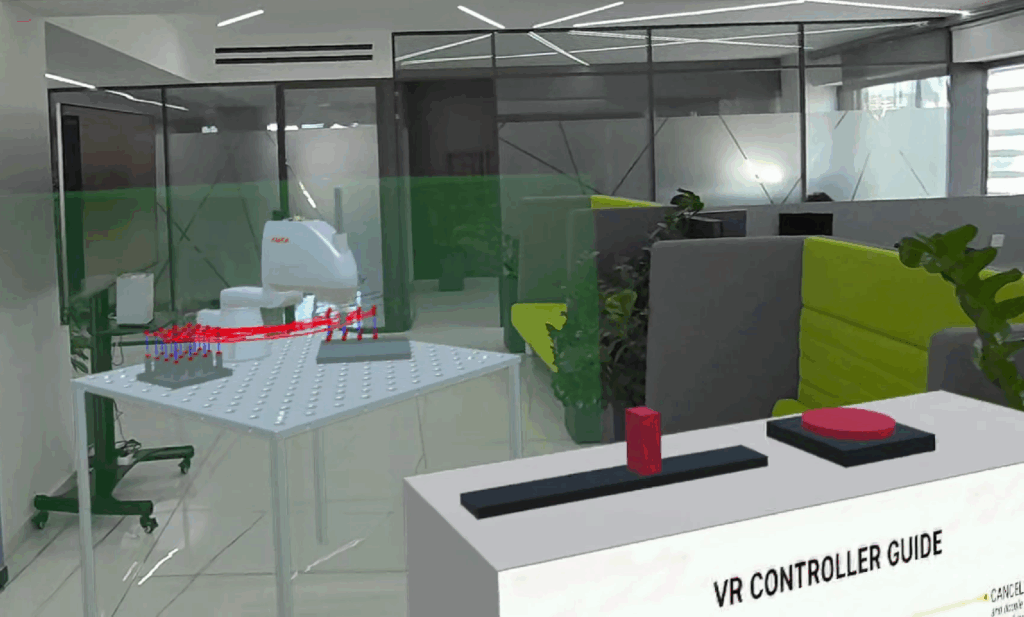
The completed digital twin can be placed at full scale inside the real workshop using mixed reality.
Before installation, integrators can walk around the virtual cell to confirm that it fits the available space, the robot reaches every required position, and sufficient access remains for operation and maintenance.
After installation, measurement tools can compare the digital twin with the physical cell and reveal misplaced or misaligned equipment.
ENCY Hyper on Workstations, Laptops, and Handheld PCs
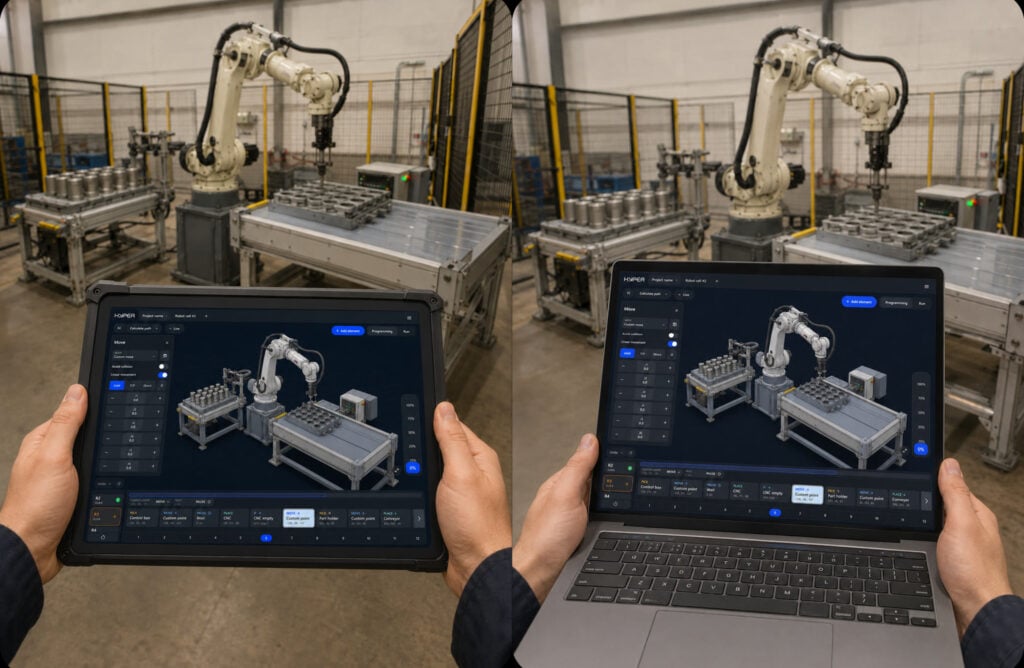
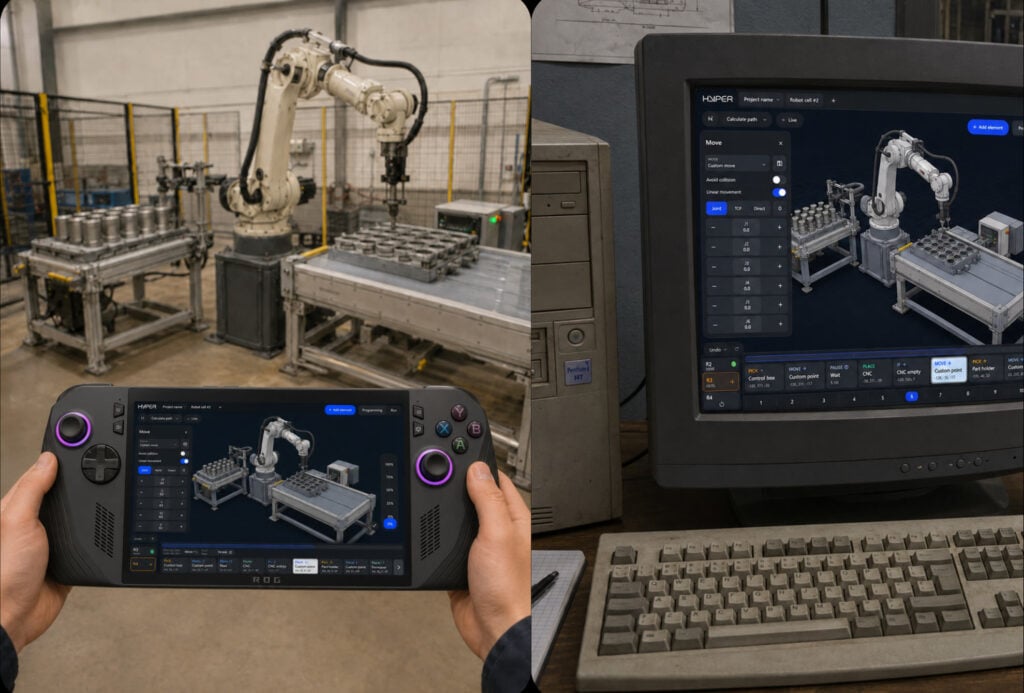
ENCY Hyper now runs as a standard Windows application, allowing engineers to use a workstation for project preparation, a laptop during commissioning, or a handheld Windows PC beside the robot.
On handheld devices, physical buttons, triggers, and analog sticks provide a more practical interface for robot jogging than touchscreen controls alone.
A handheld PC serves as an additional interface for ENCY Hyper. It does not replace the robot’s standard teach pendant or safety systems.
All the capabilities presented at ENCY World 2026 are available now. This latest expansion comes shortly after the previous major ENCY Hyper update, highlighting the rapid pace of the system’s development.
Watch ENCY Hyper: What’s New in 2026 for a detailed presentation of all the capabilities introduced during the year. For a concise overview, watch ENCY Hyper 2026 Highlights.